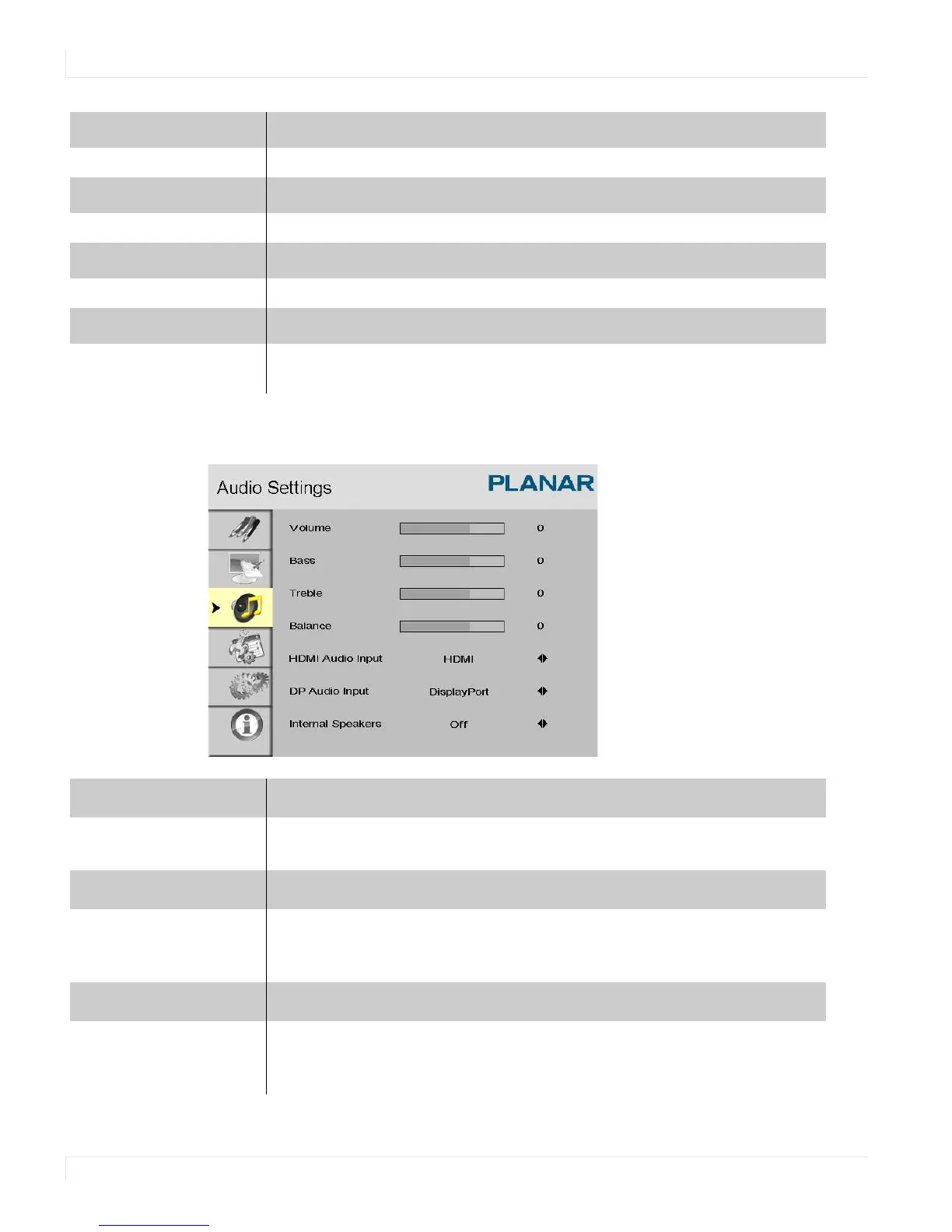
Audio Settings Menu
44 EP4650/EP5550 User Manual
Audio Settings Menu
Aspect Ratio
Options: Full screen, Pillar Box, Letter Box
Side by Side Scale
Submenu Options: Zoom In, Zoom Out, Main, PIP, Default and Return
Auto Scan
Options: On, Off
Select Source
Options: HDMI 1, HDMI 2, SDI 1, SDI 2, VGA, Component, S-Video and Video
(composite)
Volume
Adjust the sound. Press or , select the desired level, and press ENTER.
Range: 0~100
Bass
Adjust the low tones (bass). Press or , select the desired level, and press
ENTER.
Range: 0~20
Treble
Adjust the high tones (treble). Press or , select the desired level, and
press
ENTER.
Range: 0~20



 To Next Page