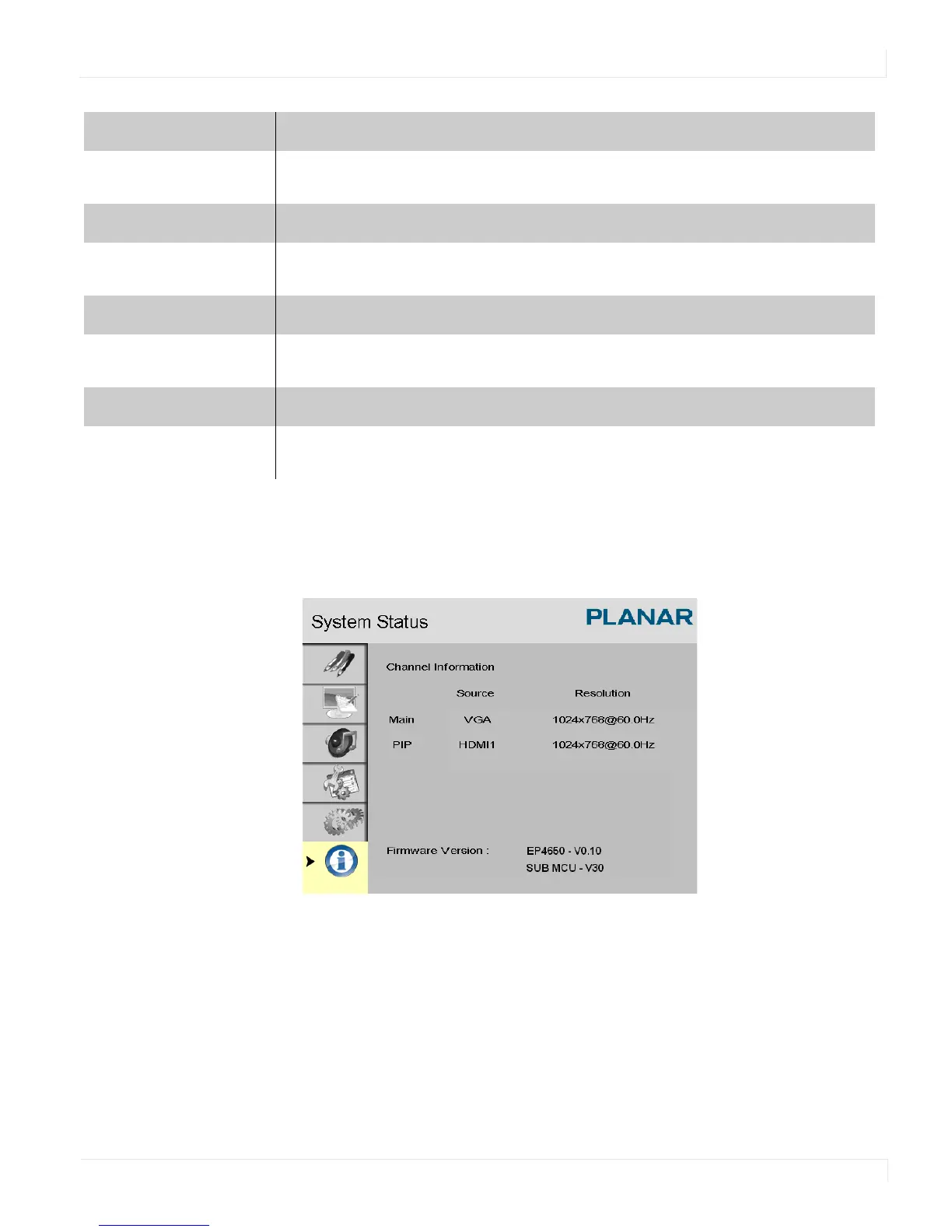
System Status Menu
EP4650/EP5550 User Manual 57
System Status Menu
This read-only menu provides information about the active sources and the latest
firmware version.
Matrix X
Sets the number of displays used in the horizontal position
Options: 1-5
Matrix Y
Sets the number of displays used in the vertical position
Options: 1-5
Division X
Sets the horizontal position of the display wall matrix
Options:
1~ Matrix X
Division Y
Sets the vertical position of the display wall matrix
Options:
1~ Matrix Y



 To Next Page