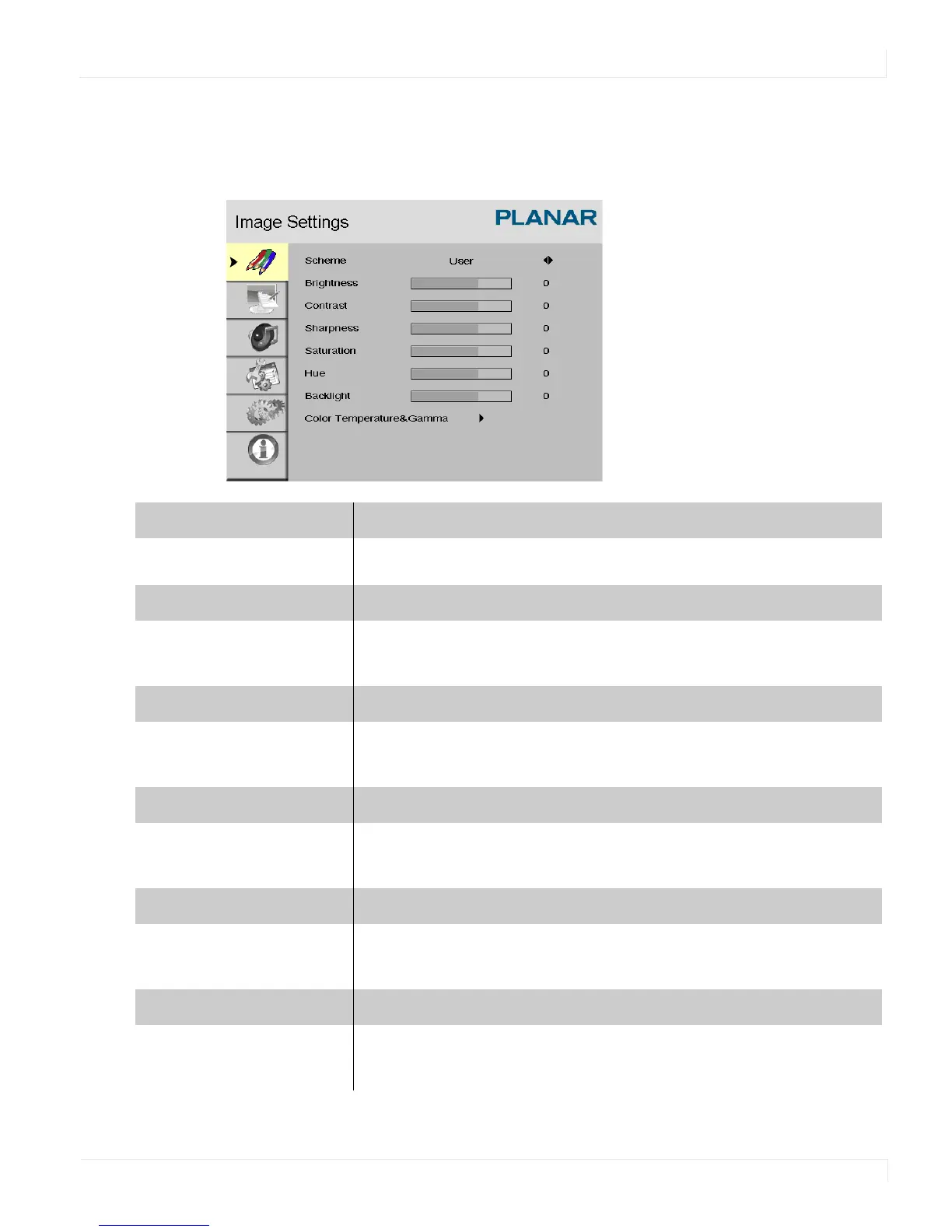
Image Settings Menu
EP4650/EP5550 User Manual 41
Image Settings Menu
This menu is used for making common image adjustments.
Scheme
Press or to select one of the following:
Options: User, Vivid, Cinema, Game, Sport
Brightness
Increases or decreases the brightness of the picture. Press or , select the
desired level, and press
ENTER.
Range: 0~100
Contrast
Increases or decreases the contrast of the picture. Press or , select the
desired level, and press
ENTER.
Range: 0~100
Sharpness
Adjusts the definition of the picture. Press or , select the desired level, and
press
ENTER.
Range: 0~24
Saturation
Adjusts the brilliance and brightness (Video Mode only). Press or , select the
desired level, and press
ENTER.
Range: 0~100
Hue
Increases or decreases the green hue (Video Mode only). Press or , select
the desired level, and press
ENTER.
Range: 0~100



 To Next Page