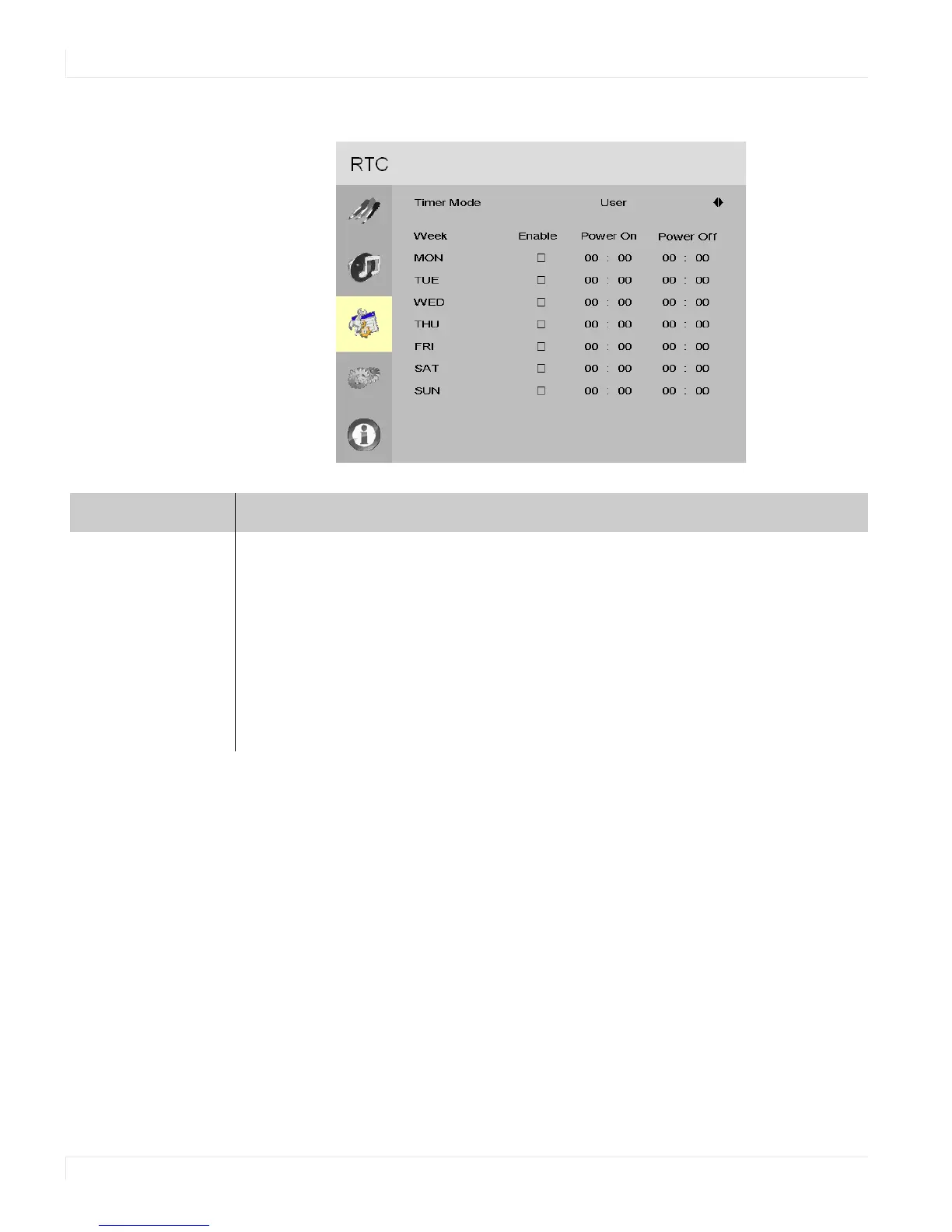
Basic Menu/RTC (Real Time Clock) Menu
48 EP4650/EP5550 User Manual
RTC Timer Mode - User
Timer Mode
User mode Select the power on/off timer and specify the on/off times for each day of the week.
For each day of the week, you have the following options:
Enable or Disable the schedule of the day
Options: Disable, Enable
Power On/Power Off timer setup.
Power On: Use the arrow keys to specify the time you want the display to turn on for
the selected day.
Power Off: Use the arrow keys to specify the time you want the display to turn off for
the selected day.



 To Next Page