Advanced Settings Menu
EP4650/EP5550 User Manual 55
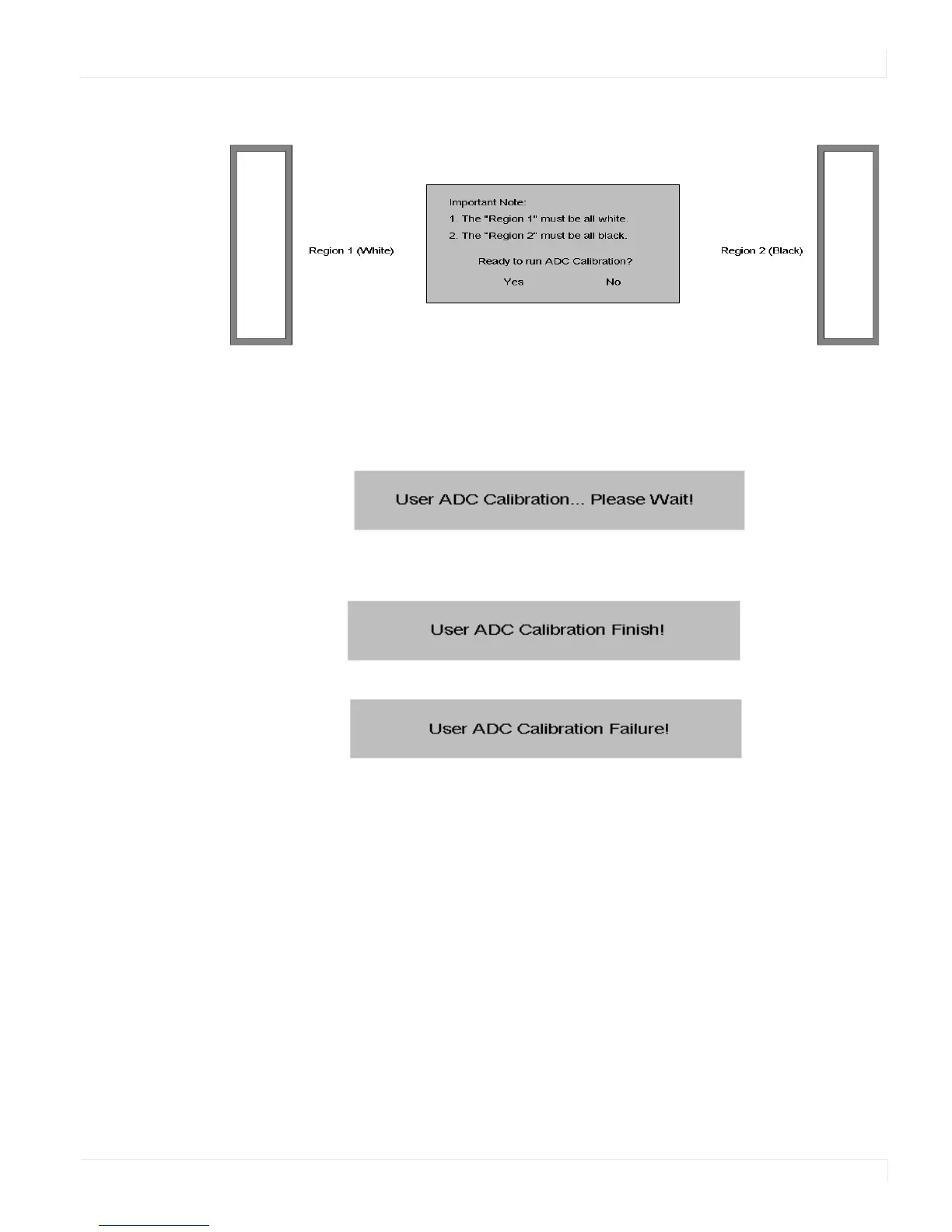
c The black in the right box has to be the darkest black.
3 After the correct image is displayed, click “Yes” to begin ADC calibration.
4 During the calibration process, the following message will appear to notify you to
wait for the calibration.
5 After the calibration is complete, you will see one of two messages.
Advanced Settings - Multi-Display Control Submenu
The menu is used for displaying one image across multiple displays. The software
allows you to tile up to a 5 x 5 array. With a DVI signal, you can loop up to nine
displays. With a VGA signal, you can loop up to four displays. Therefore, it may be
necessary to use a splitter to obtain the signal quality needed to drive a larger video
wall.
It is also important to note that the maximum cable length between displays is three
meters.



 To Next Page