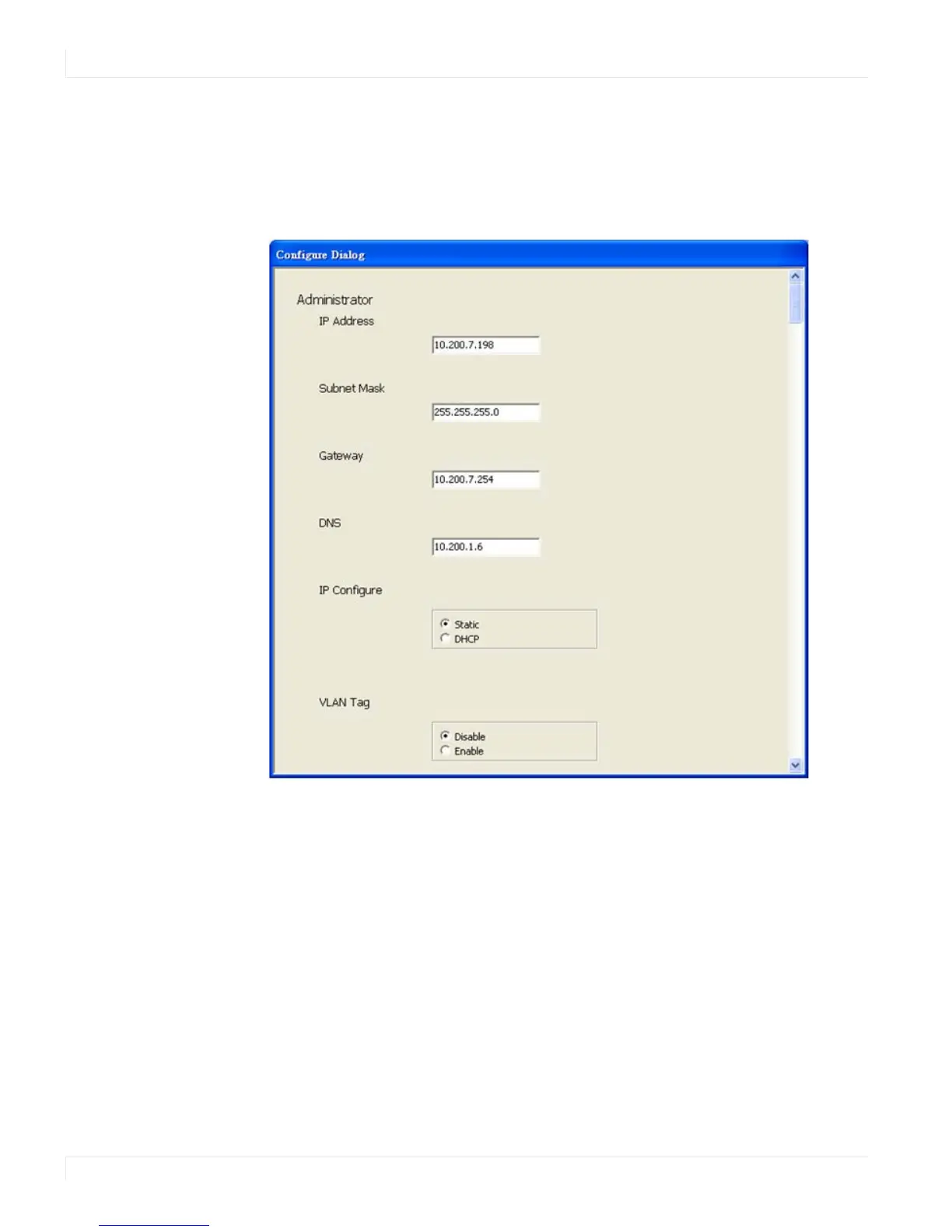
Configure IP Address
66 EP4650/EP5550 User Manual
Configure IP Address
This function allows you to configure the network settings of the selected
EP4650/EP5550 device. We recommend using the on-screen menus or the web
interface described in the User Guide instead of this function.
Note: To cancel this function, scroll to the bottom and click the Cancel button.
Web
Click the Web icon to launch your default browser and link it to the EP4650/EP5550
web service.



 To Next Page