Sending Serial Commands via USB
Planar RPS and Video Controller RS232 User Guide Page | 39
020-1332-00I
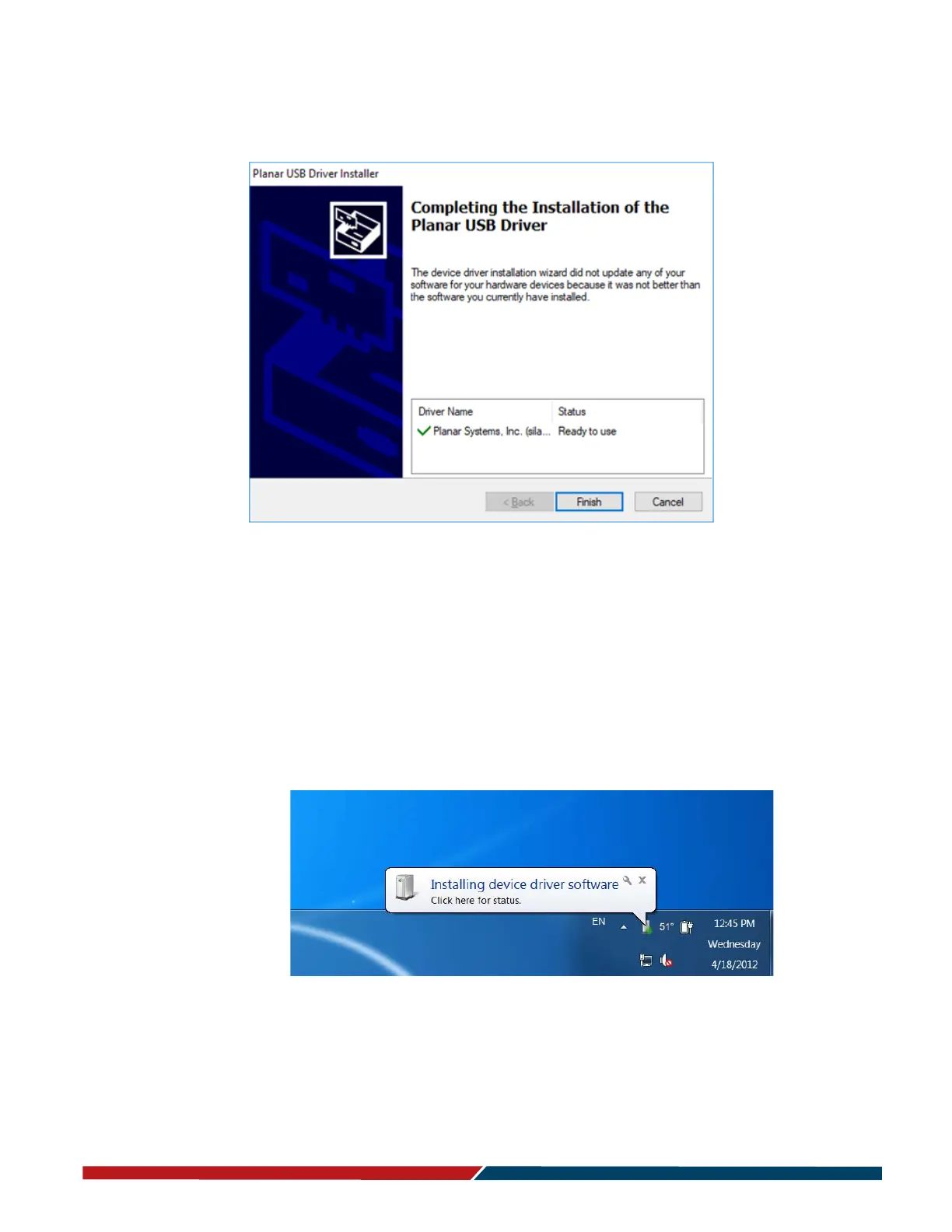
3 When the installation completes, click “Finish”. The USB driver installation process
is now complete.
Manually installing the USB drivers
If the automatic USB driver installation doesn’t succeed, you can follow the steps
below to manually install the USB drivers. The USB flash drive in your accessory kit
contains the USB drivers for manual installation.
1 Plug in the USB cable to your computer and to the desired component.
2 Windows will detect the new hardware and attempt to install the drivers on its
own. If you do not see the “Installing device driver software” message, then the
driver installation previously failed. Skip to step 5.



 To Next Page