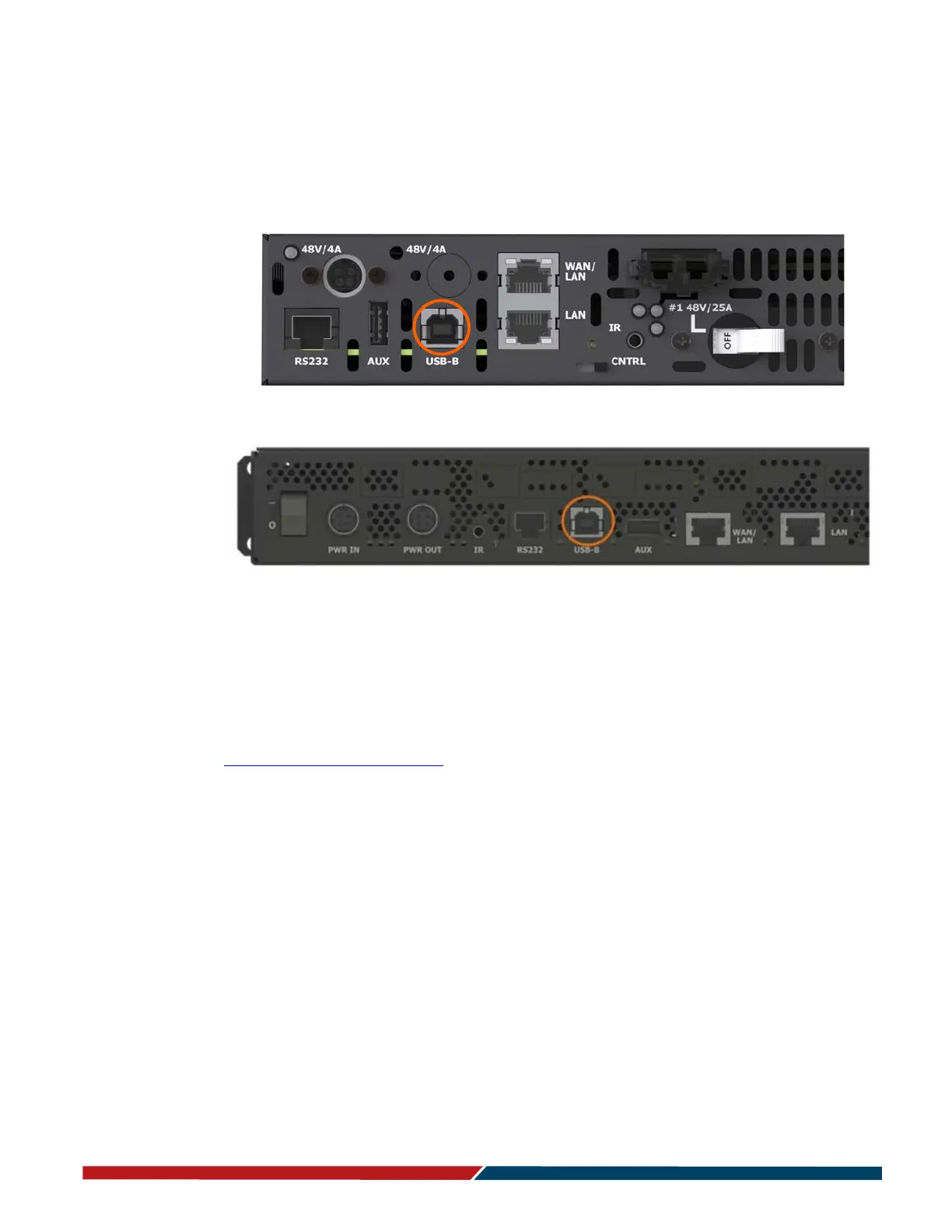
Sending Serial Commands via USB
Planar RPS and Video Controller RS232 User Guide Page | 37
020-1332-00I
Sending Serial Commands via USB
The USB-B connector accepts the same serial command set as RS232. As most PCs no
longer have RS232 connections, using the USB-B connector becomes a convenient
method for performing serial communication with the display.
Installing the USB drivers
Before using USB for serial communication, the USB drivers must be installed. This
section describes the steps necessary to install the USB drivers. You can skip this
section if you have already installed the USB drivers on your computer. USB drivers
may be obtained from the Planar Partner Portal website at
https://partners.planar.com/
Automatically installing the USB drivers
In most cases, the USB driver installation can be performed using the automated
driver installation program included on the USB flash drive in your accessory kit.
• If using a 64-bit version of Windows, use the CP210xVCPInstaller_x64.exe
installation program.
• If using a 32-bit version of Windows, use the CP210xVCPInstaller_x86.exe
installation program.
If you’re unsure whether your machine is 32-bit or 64-bit, try both installation
programs. If the selected program is for a different architecture, the installer will
inform you to use the other installation program.
Remote Power Supply Models



 To Next Page