Sending Serial Commands via USB
Planar RPS and Video Controller RS232 User Guide Page | 44
020-1332-00I
Using the RPS USB Connection
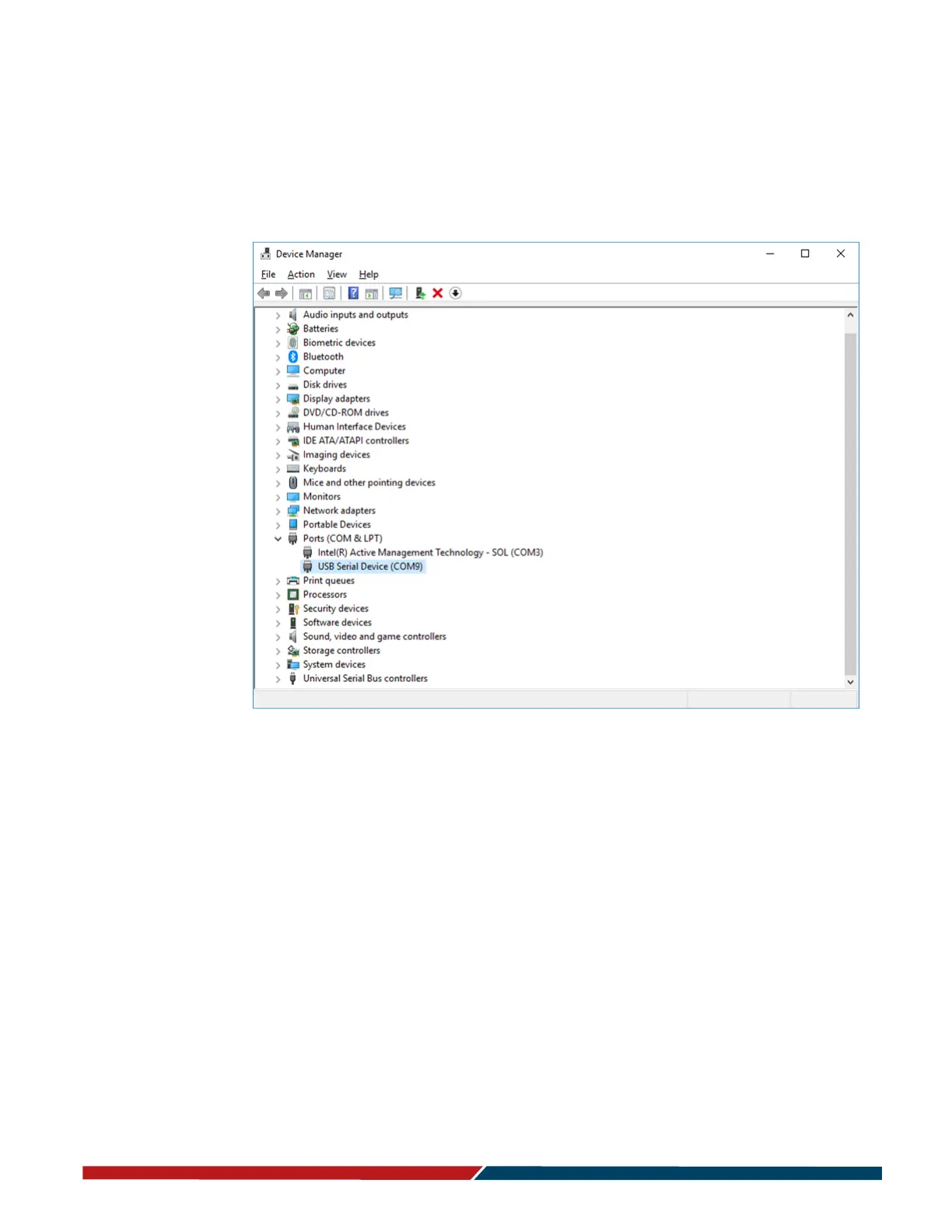
Once the USB drivers are installed, the PC will recognize the USB-B connection as a
regular serial port. The USB-B connection will appear in the COM port list of each
serial terminal program. Any terminal program such as Tera Term can be used to test
the connection.



 To Next Page