Sending Serial Commands Via TCP or UDP
Planar RPS and Video Controller RS232 User Guide Page | 46
020-1332-00I
Sending Serial Commands Via TCP or UDP
The TCP and UDP port 57 accepts serial commands the same as the above methods.
It is convenient for IP control applications and can be tested with a TCP terminal
program such as Tera Term or a UDP terminal program such as Hercules; however,
any Telnet program will work. Ensure the port is active through WallDirector Security
Settings prior to attempting to use port 57.
Note: Windows 10 has a command line based telnet capability that is not installed by
default. To install, follow the instructions below:
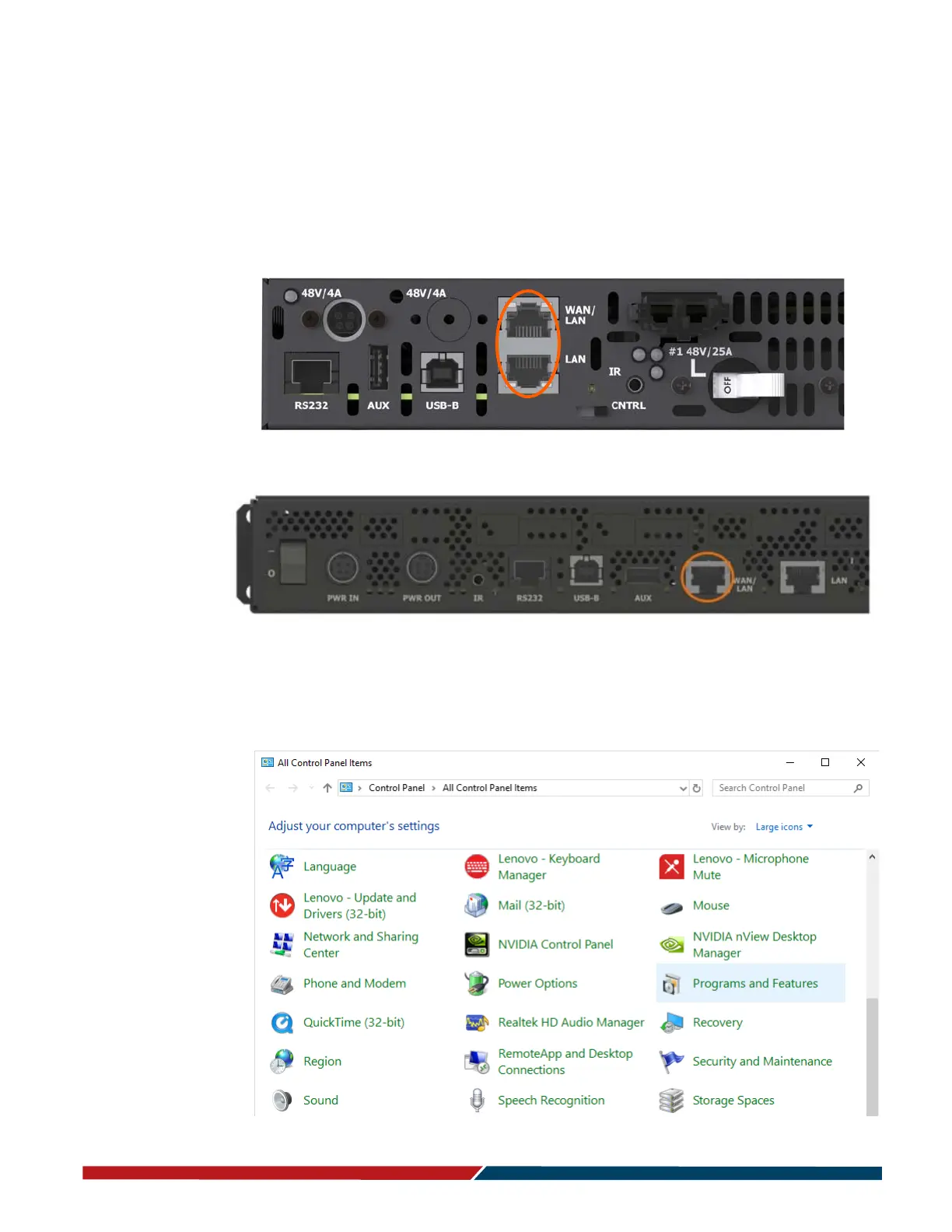
1 Open Control Panel.
Remote Power Supply Models



 To Next Page