Sending Serial Commands Via TCP or UDP
Planar RPS and Video Controller RS232 User Guide Page | 48
020-1332-00I
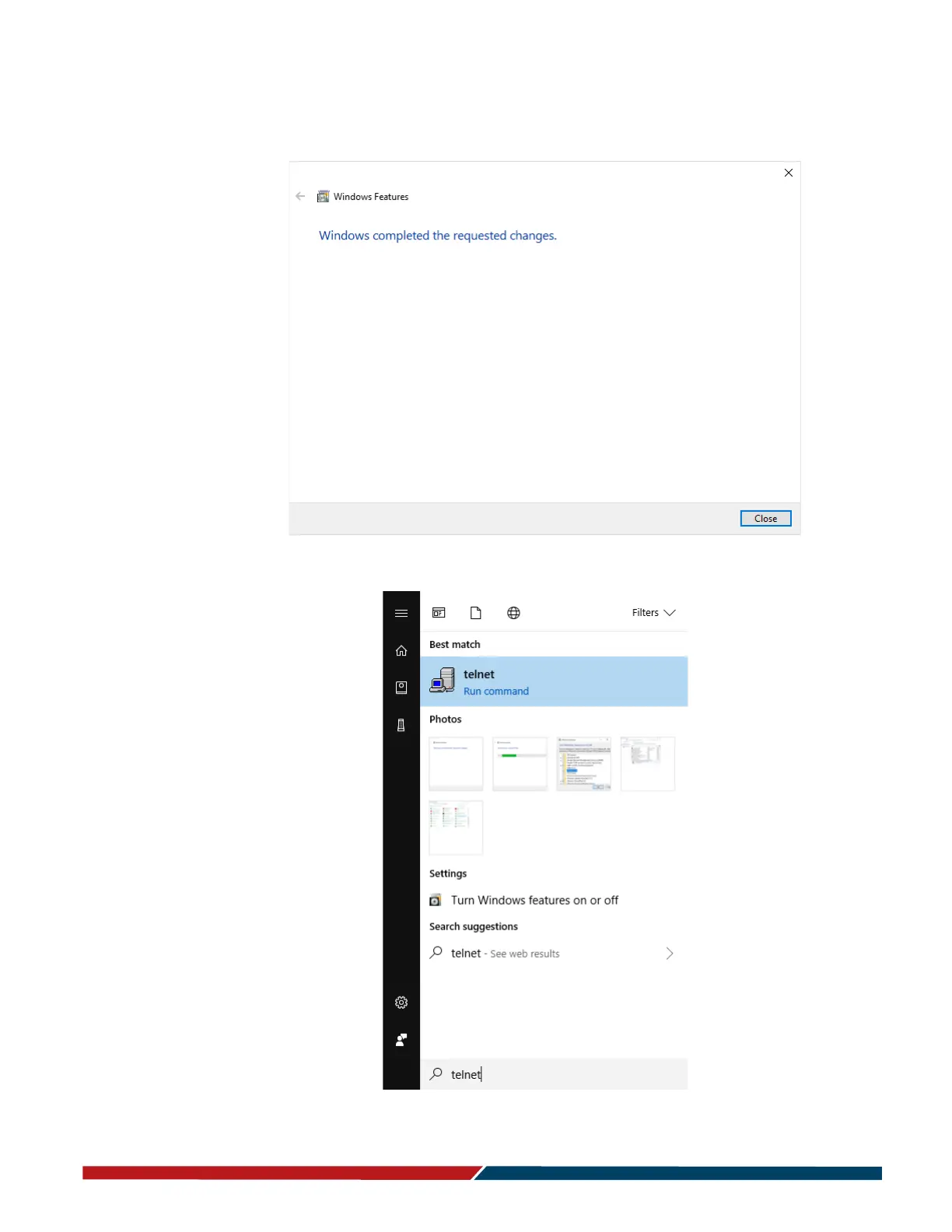
5 Click OK. A box will appear that says “Windows feature” and “Searching for
required files.” When complete, the Telnet client should be installed.
6. Open the program by searching from the Start menu.



 To Next Page