18
GTEK170R
ELECTRONICS
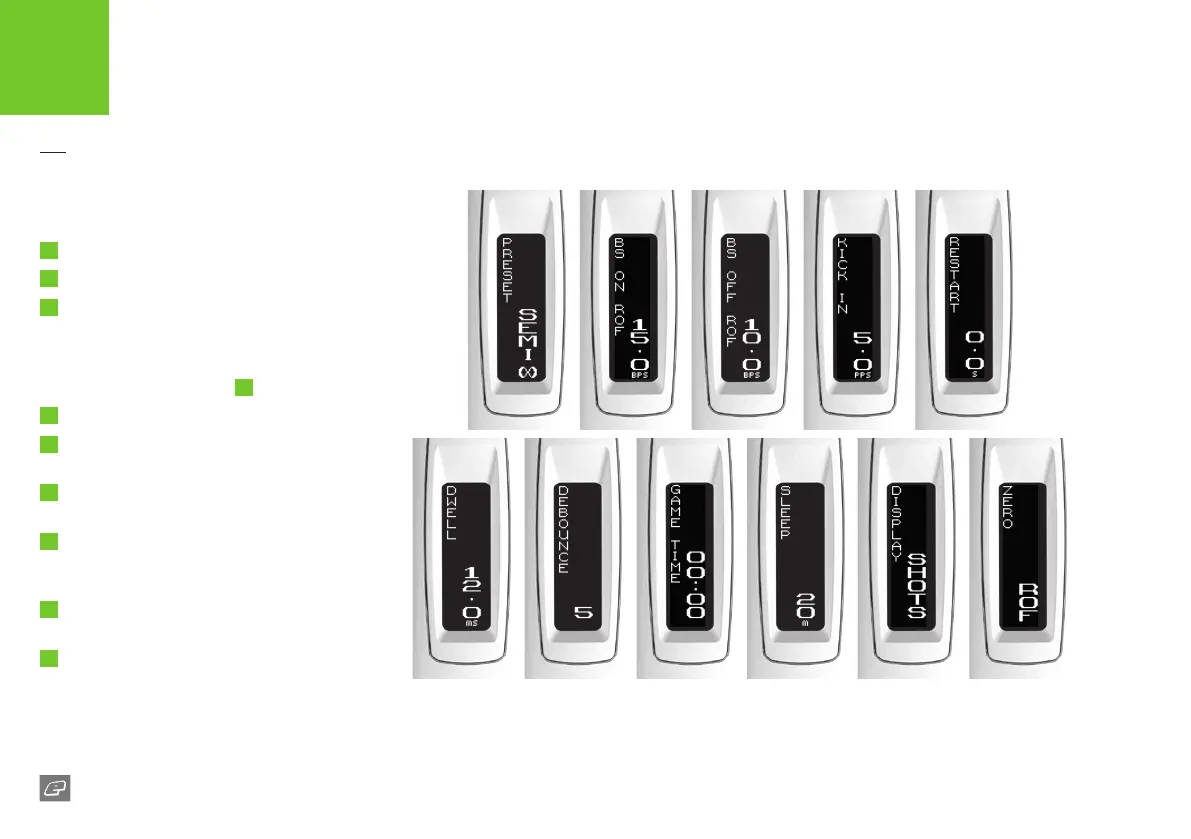
THE OLED SET-UP MODE
To modify the parameters you must enter the
set-up mode:
1
Fully depress and hold the trigger.
2
Switch on the 170R.
3
The OLED should display SETUP. If the OLED
displays LOCKED then the tournament lock is
on and needs to be switched o (see page 32).
Once the tournament lock is o, turn o the
170R and start again at
1
4
Release the trigger.
5
Cycle through each of the parameters by
pressing and releasing the trigger.
6
To start editing a parameter, press the Select
button. The parameter value will ash.
7
Press and release the trigger to increment the
parameter value. Hold the trigger to increment
rapidly.
8
Press the Select button to accept the
parameter value.
9
Press and hold the Select button to exit the
set-up mode.
See pages 19-21 for parameter descriptions.















 To Next Page