User’s Manual of GSD-800S / GSD-802S / GSD-802PS
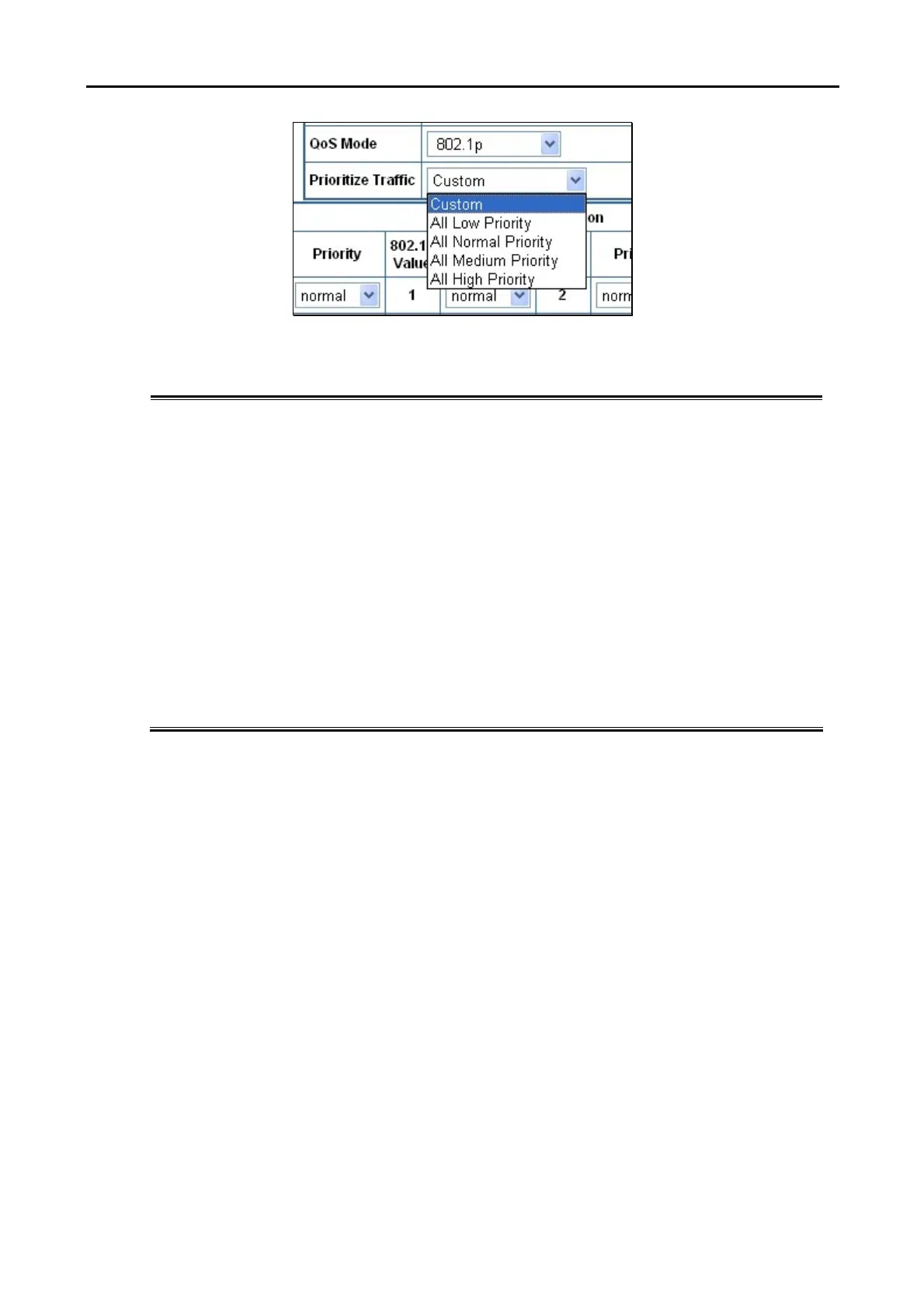
Figure 4-39 Prioritize Traffic screen
The page includes the following fields:
• Prioritize Traffic
The draw menu allows customization of 802.1p to Traffic classifiers. Total 5
selections for the Prioritize Traffic.
• Custom – Manual mapping the 802.1p priority to the 4-level queues. Setup
at the next table.
• All Low Priority - mapping all 802.1p tagged packets to Queue 0
• All Normal Priority - mapping all 802.1p tagged packets to Queue 1
• All Medium Priority - mapping all 802.1p tagged packets to Queue 2
• All High Priority - mapping all 802.1p tagged packets to Queue 3
• 802.1p Value
Specifies the CoS priority tag values, where zero is the lowest and 7 is the
highest.
• Priority
The traffic forwarding queue to which the CoS priority is mapped. Four traffic
priority queues are supported as follow :
• Low = Queue 0
• Normal = Queue 1
• Medium = Queue 2
• High = Queue 3



 To Next Page