IP-based 8-port Switched Power Manager with 2 Cascaded Ports
IPM-8221
- 37 -
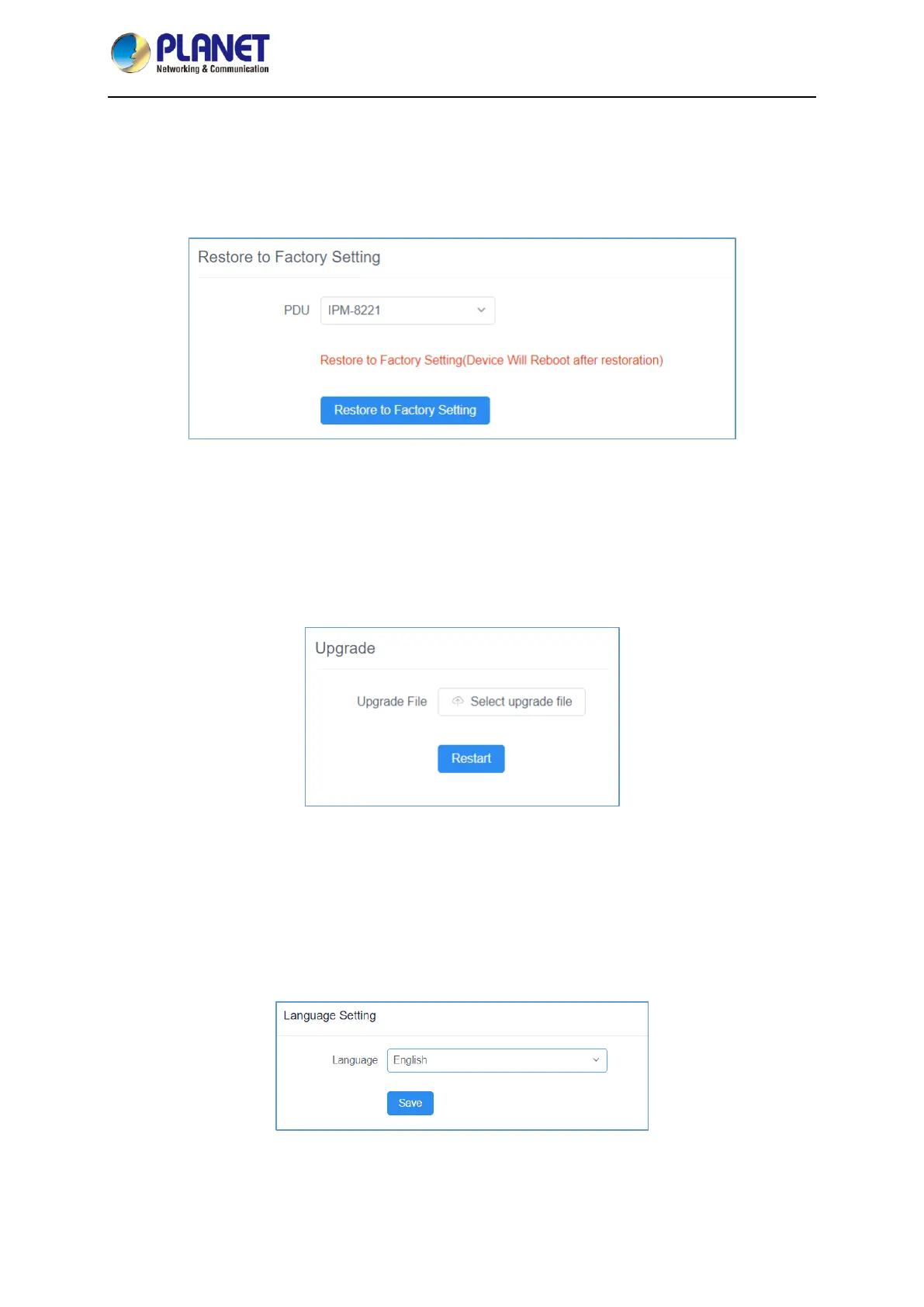
Restore to Factory Setting
The factory setting restoration function restores the PDU to its factory settings and deletes all records
and information in the PDU. Exercise caution when performing this operation. After the default setting is
restored, the system will restart. Then you can perform related operations, like setting PDUs again.
Figure 4-3-19 Restore to Factory Setting Page Screenshot
Upgrade
After system upgrade, you can query the latest version of the PDU software you use on our website,
download the file and save it in the specified file directory on the PC, select the upgrade file to complete
the software update of the PDU system, and restart the PDU system after the system is updated.
Figure 4-3-20 Upgrade Page Screenshot
Language Setting
The PDU currently supports two languages: Simplified Chinese and English. English is the default
setting. Select the system language you want through the drop-down option, and click the Save button
and the system will be changed to the language you selected.
Figure 4-3-21 Language Setting Page Screenshot












 To Next Page