19
Mini100/Mini2
20
Mini100/Mini2
● 4-1-a Adding NetBEUI Protocol
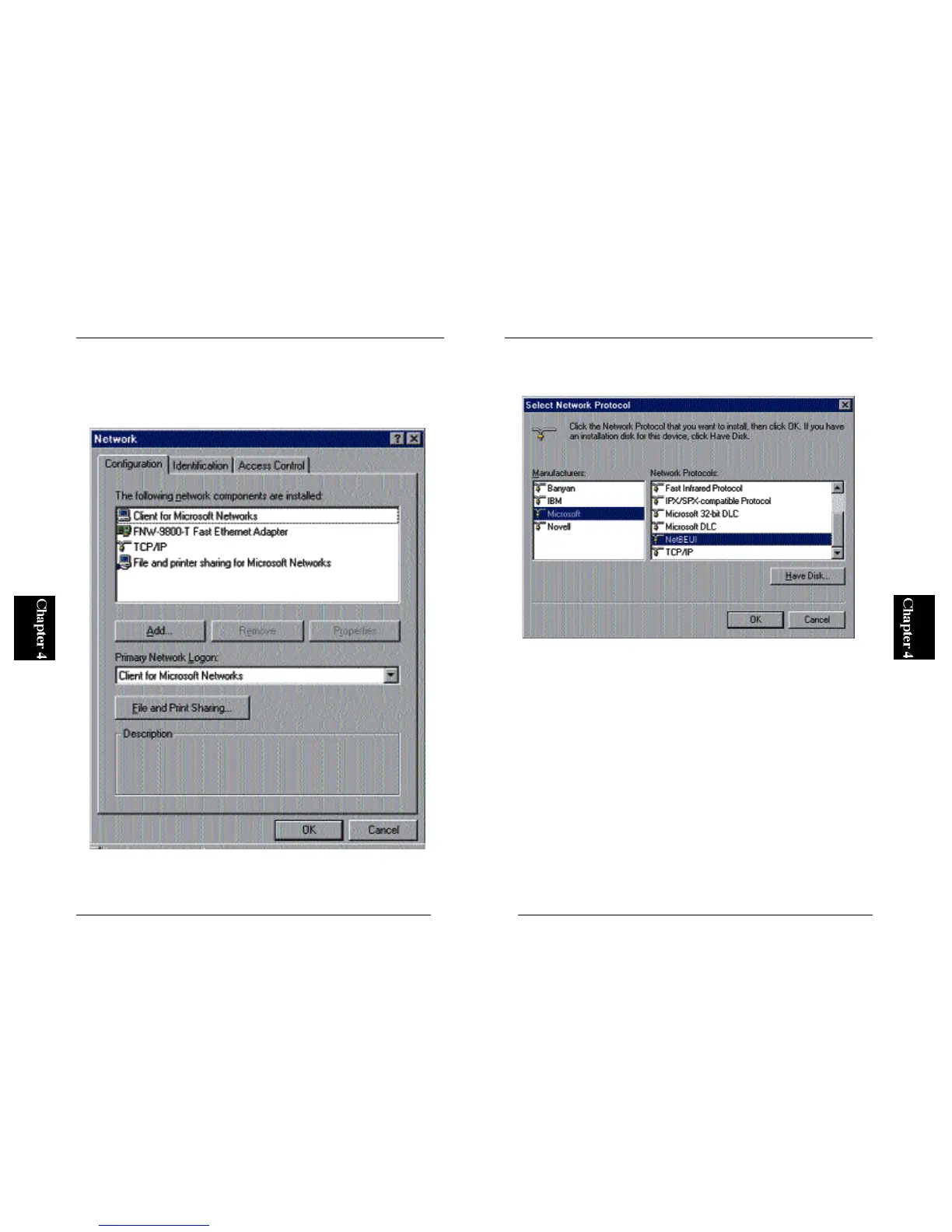
1. From the Start button, select Settings and then Control Panel. In the
Control Panel folder, double click on the “Network” icon.
2. Click on the Add button. The following screen will be displayed. Select
“Protocols” and then click on the Add button.



 To Next Page