56
Mini100/Mini2
55
Mini100/Mini2
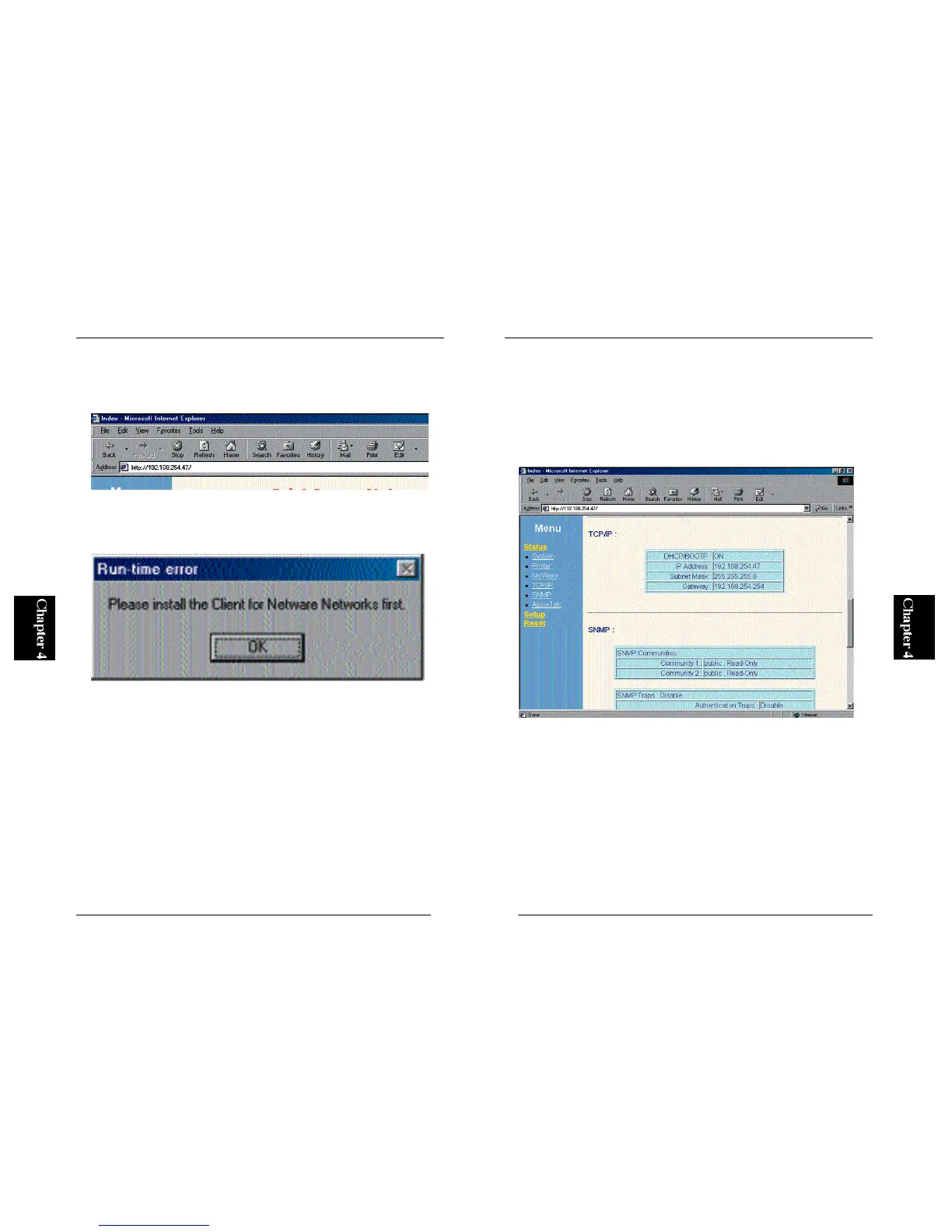
4. Start your Web browser and access the print server. In the WWW address
field, type “http://” and enter the IP address you have assigned in Step 2
above. Press the Enter key to continue.
5. The following page will be displayed in your browser. Click on the
“Setup” menu on the left, and select “TCP/IP” in the next menu.
6. To manually assign an IP address to the print server, check the “Assign an
IP address” option in the right frame. Then enter the IP address you
specified in Step 2 above (or any other IP address you wish to set to the
print server) in the “IP Address” field. Be sure to use a period (.)
between each number. Similarly, enter the subnet mask and gateway if
necessary.
7. After you have entered the IP address and/or other parameters, click on
the “Save” option in the menu on the left. Click on the Save button to save
the new settings.



 To Next Page