67 68
Mini100/Mini2
Mini100/Mini2
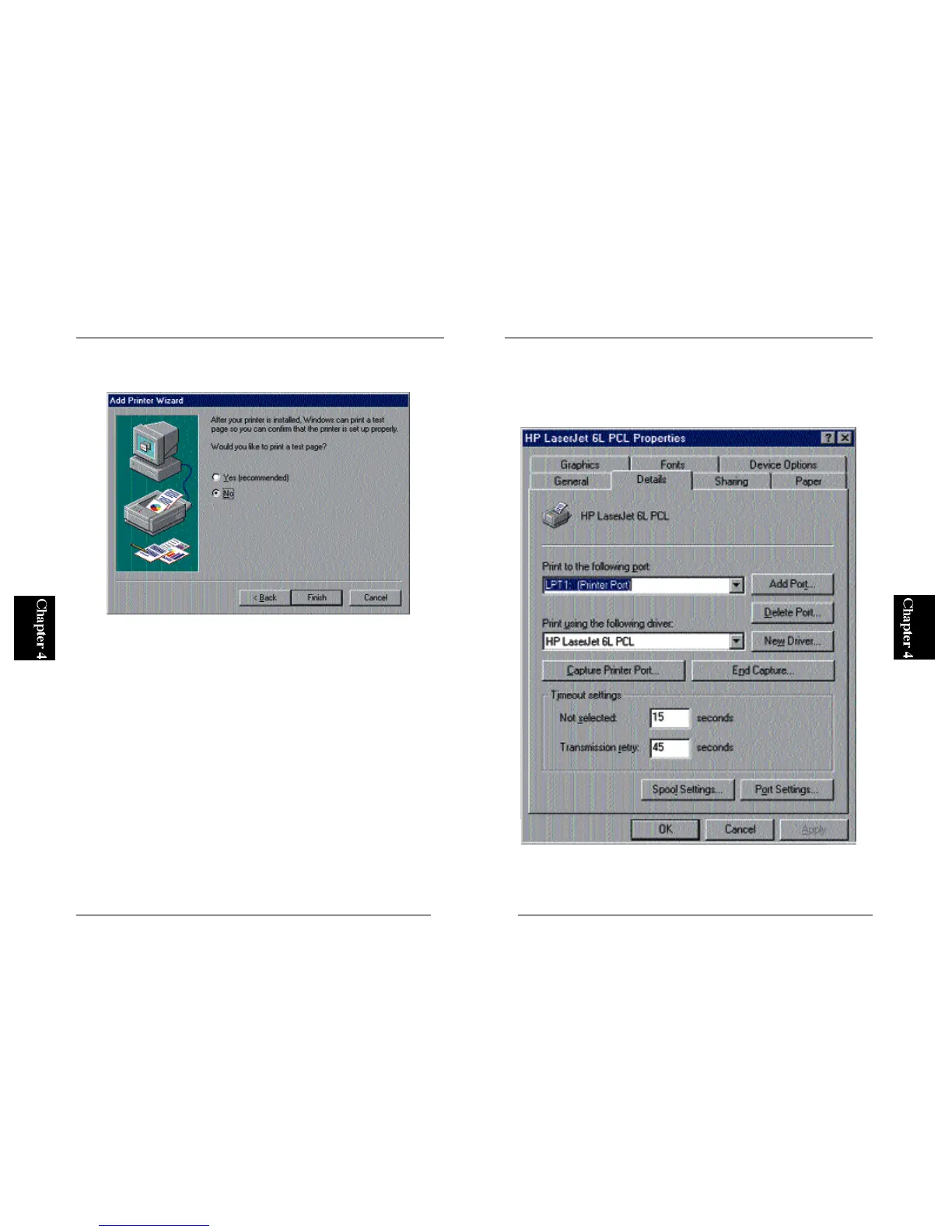
6. The next screen asks you whether you wish to print a test page. Select
“No” and click on the Finish button.
7. Now, the name of your printer should be visible in the “Printers” folder.
Move the mouse cursor to this printer name (icon), and click the right
button of your mouse. Select Properties and click on the Details tab in
the screen.



 To Next Page