134
Mini100/Mini2
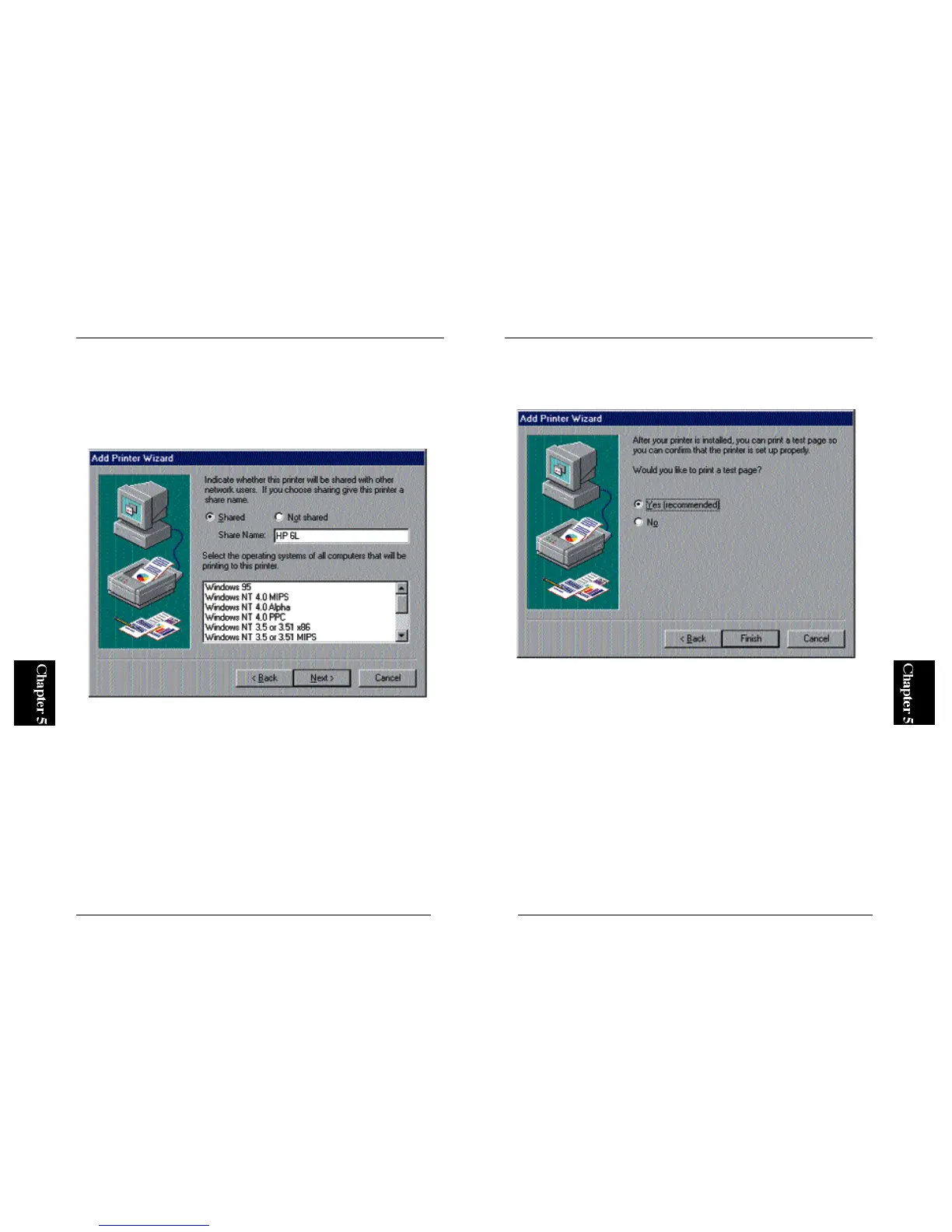
9. The wizard will ask you whether you wish to print a test page. Select
“Yes” and click on the Finish button. The configuration of your printer is
complete if the test page is printed properly.
※ If the test page does not come out properly, refer to Appendix A for
troubleshooting information.
● 5-3-e Configuring a Client PC
When printing via a WindowsNT network, each client PC issues a print
request to the printer attached to the WindowsNT PC rather than the print
server itself.
1. From the Start button, select Settings and then Printers. Double-click on
the Add Printer icon, and click on the Next button.
133
Mini100/Mini2
8. The next window asks you whether you wish to share the driver in your
network. Select the “Shared” option, and enter a Share Name in the same
field. Since your client PCs will recognize the print server by this name,
it is recommended to assign a name that indicates the name of your
printer. Click on the Next button.



 To Next Page