136
Mini100/Mini2
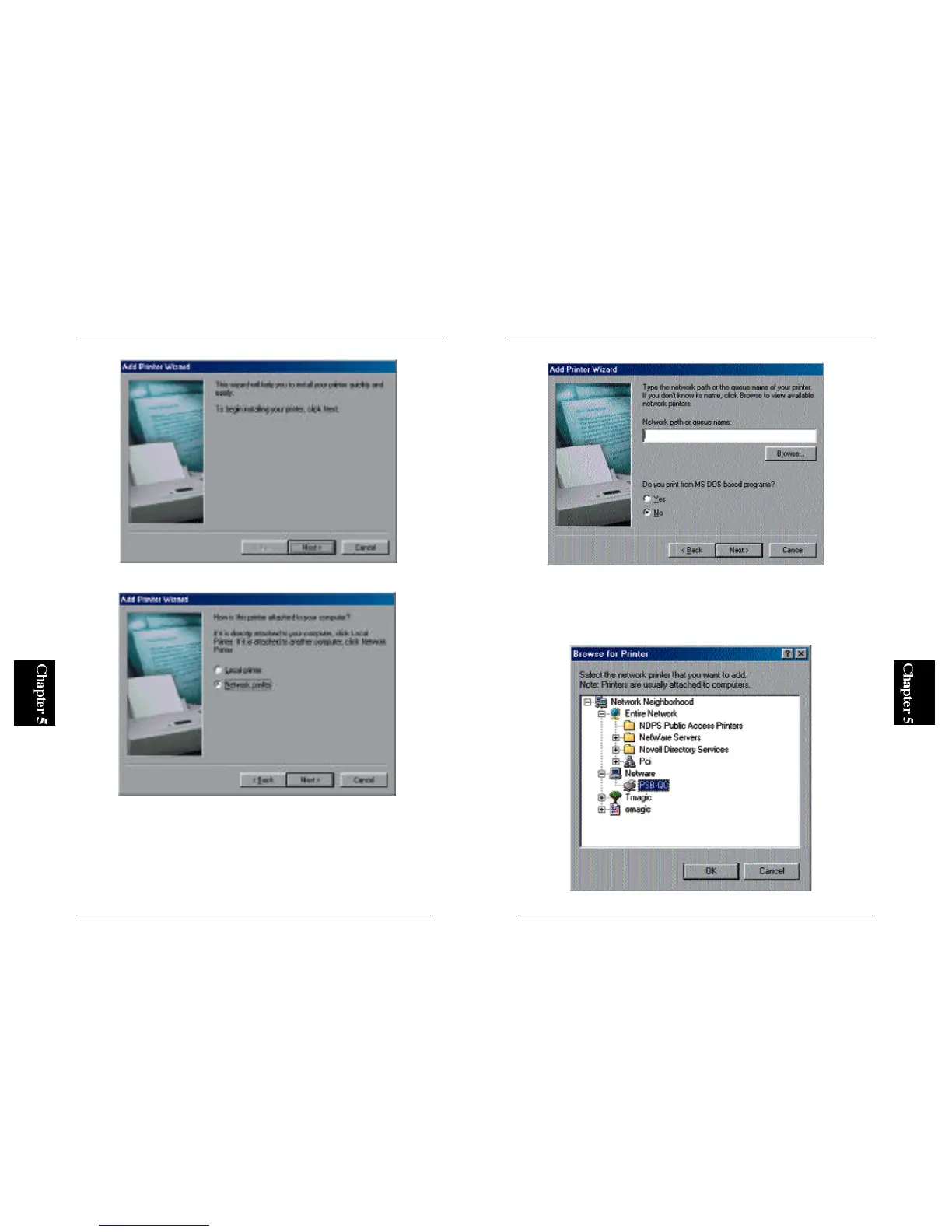
4. The wizard lists all the PCs on the network. Double-click the server
machine to which you have set up the print server. A printer icon should
be displayed under the server icon. Select this printer and click on the
OK button.
135
Mini100/Mini2
2. Select “Network Printer” and click on the Next button.
3. In the next screen, click on the Browse button.



 To Next Page