146
Mini100/Mini2
145
Mini100/Mini2
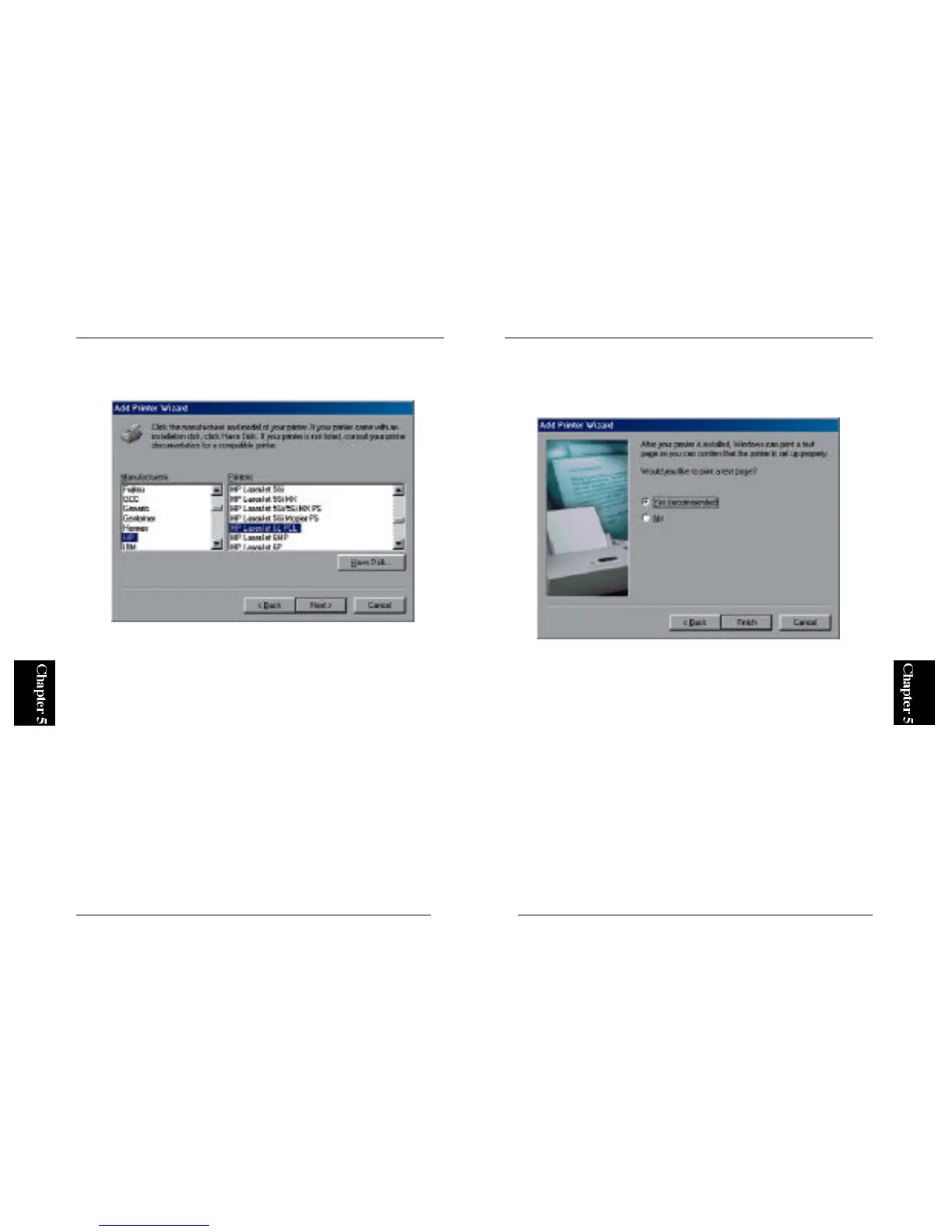
7. You can define a name for your printer. If the default printer name is
okay, simply click on the Next button.
8. The wizard will ask you whether you wish to print a test page. Select
"Yes" and click on the Finish button. The configuration of the print server
is complete if the test page is printed properly.
* If the test page does not come out properly, refer to Appendix A for
troubleshooting information.



 To Next Page