144
Mini100/Mini2
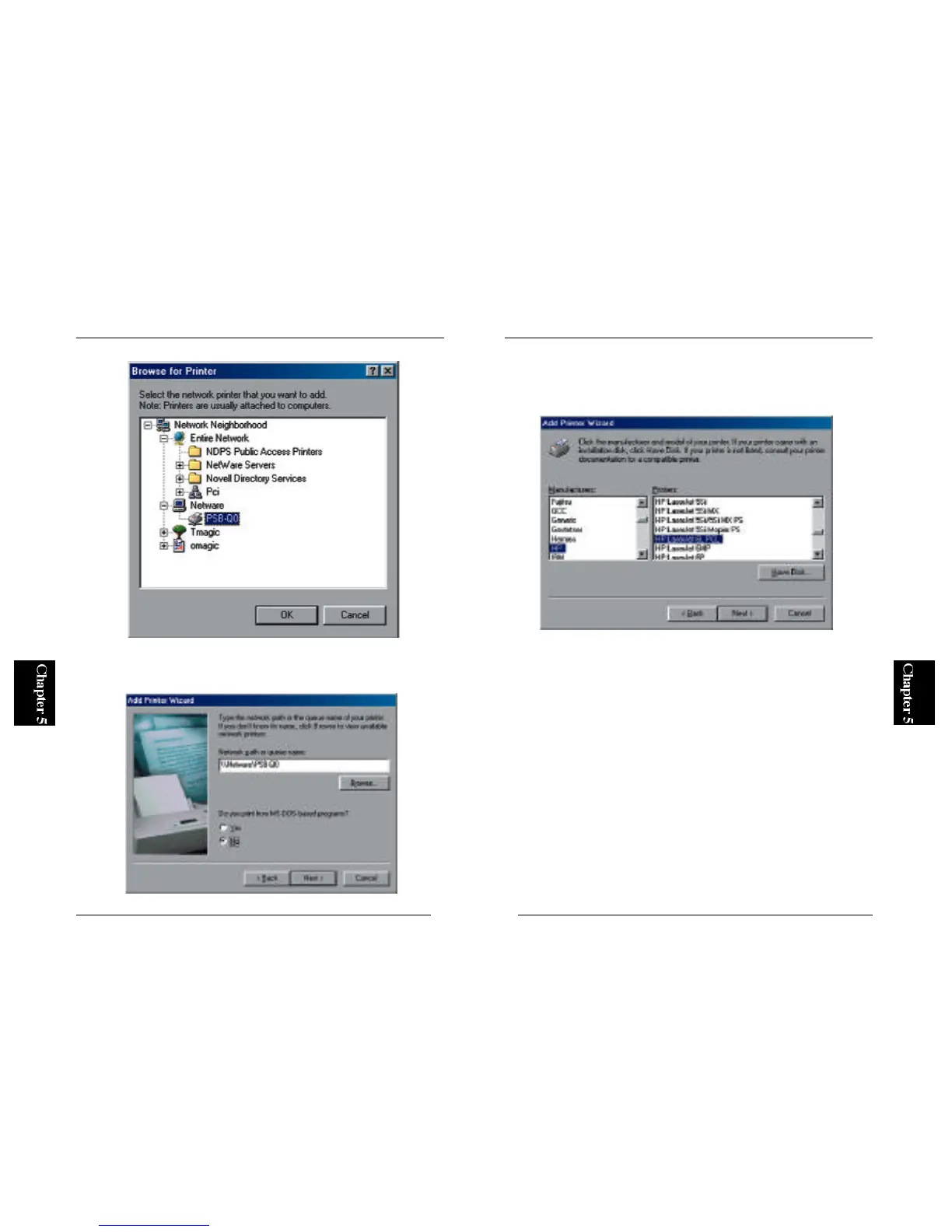
6. Refer to the user's manual of your printer and select the manufacturer
and model name of your printer in the two lists. Click on the Next
button.
* For the installation procedure of the printer driver, please refer to the
user's manual of your printer.
143
Mini100/Mini2
5. The same information will be displayed in the Network Path field. Click
on the Next button.



 To Next Page