8
Placing, Receiving and Ending Calls
Placing Calls
Press
and listen for the dial tone. Dial the number.
OR
Dial the number and then press
.
Receiving Calls
1 Press
.
(If Any Key Answer is on, press any key on the dial pad.)
2 If dial pad is on base, pick up the dial pad and press
.
(If Auto Talk is on, the phone will answer when you pick up the dial pad
from the base.)
For information on setting up Any Key Answer or Auto Talk, see page 11.
Ending Calls
Press or return the dial pad to the base.
Adjusting Volume and Muting Calls
Adjusting Volume
You can adjust the headset listening volume while you are on a call using
or
. You can choose from six volume levels.
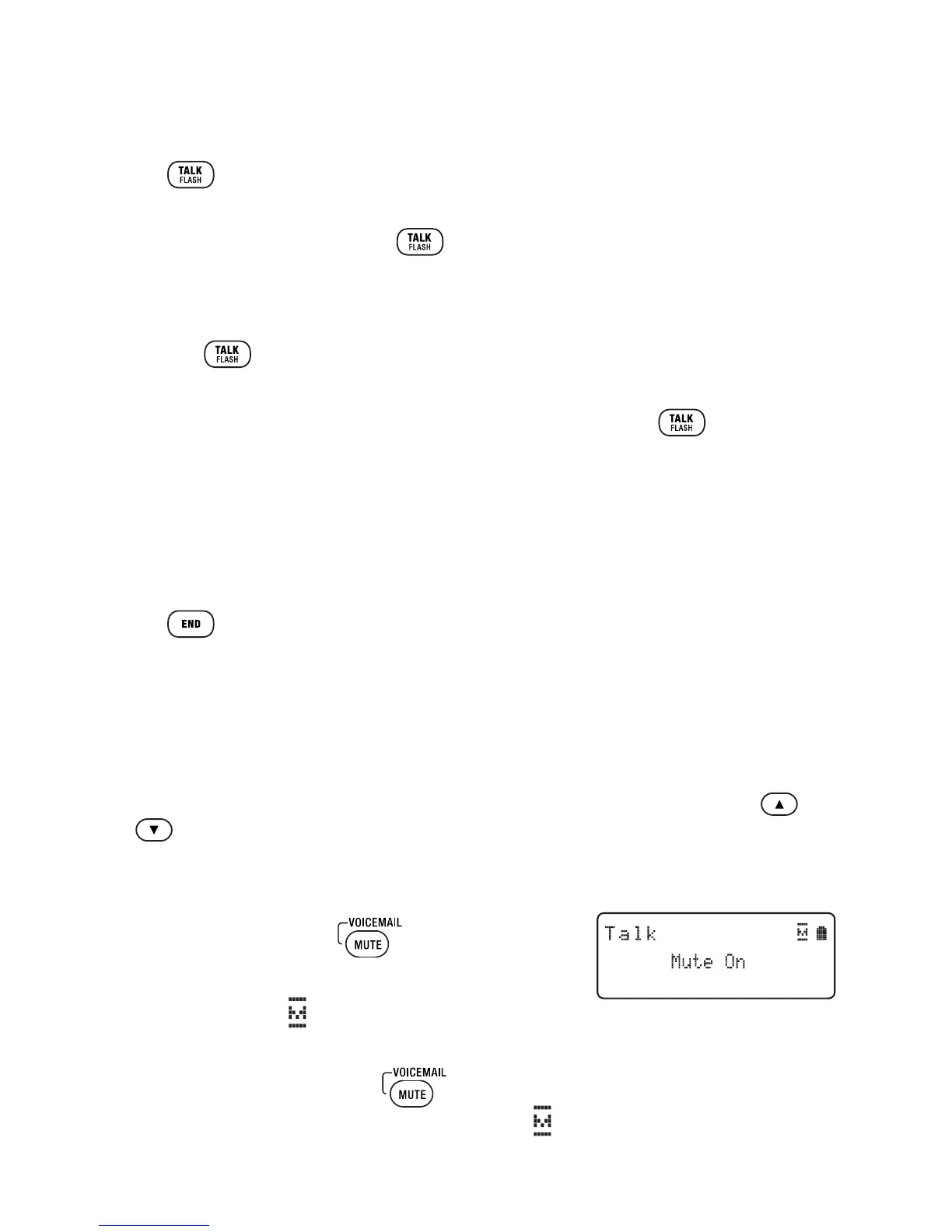
Muting Calls
1 During a call, press
.
Mute On appears briefly on the display
2 The mute icon
will also appear in the display
and remain on the screen until muting is canceled.
3 To cancel muting, press
again.
Mute Off appears briefly and the mute icon
will disappear.



 To Next Page