19
en
Phonebook
Making Calls from the Phonebook
1 With the phone in standby, press to open the phonebook.
2 Find the phonebook entry you want to call. Press to dial
the number.
You can also press before you open the phonebook.
Find the phone number you want to dial, and then press
.
Editing an Existing Phonebook Entry
1 With the phone in standby, press to open the phonebook.
2 Find the entry you want to edit and press .
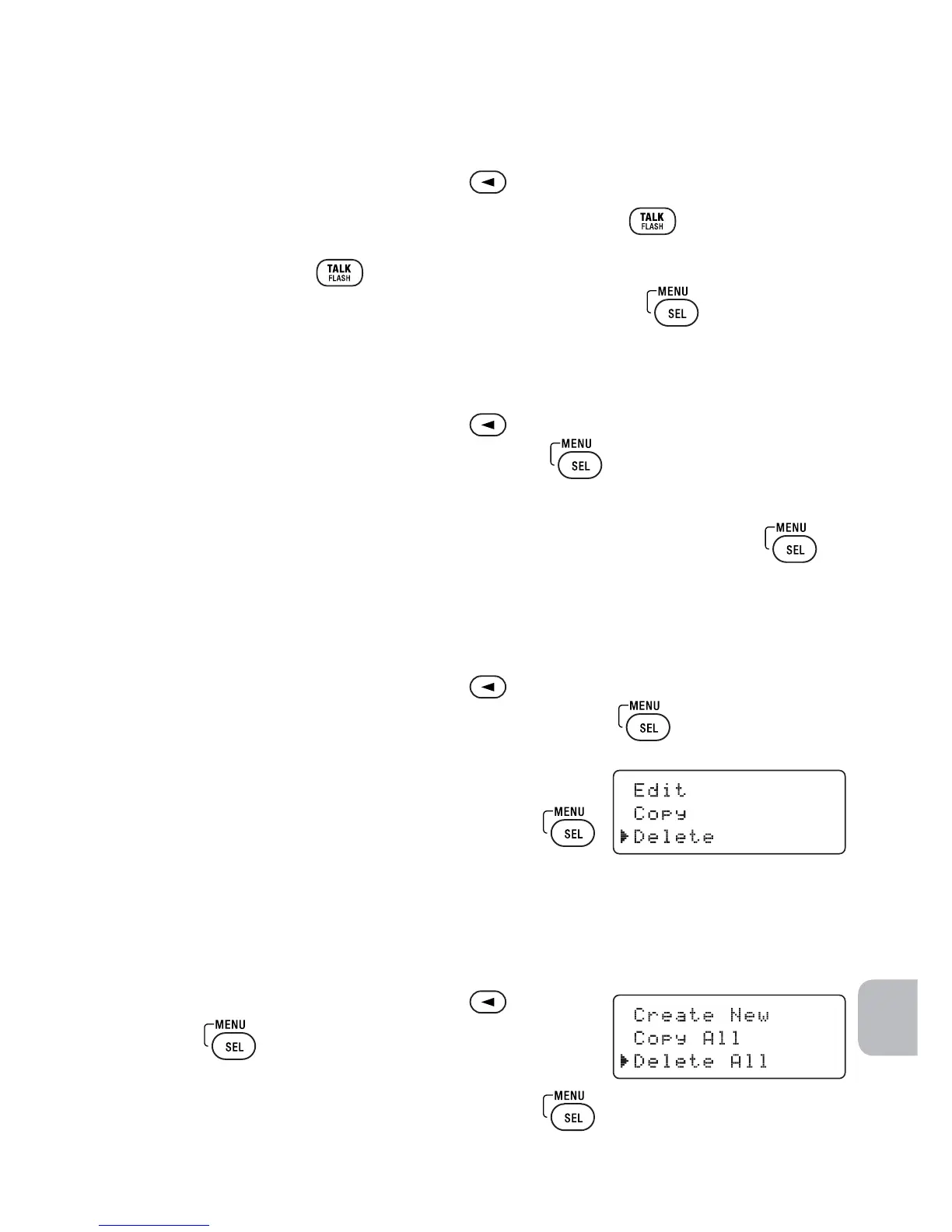
3 Select Edit. Follow the steps for Creating Phonebook Entries (page 16).
If you do not wish to change the information at any step, simply press
to go to the next step.
Deleting Single Phonebook Entry
1 With the phone in standby, press
.
2 Find the entry that you want to delete and press .
3 Select Delete.
Delete Entry? appears in the display.
4 Move the cursor to select Yes and press .
You will hear a confirmation tone, and Deleted!
appears in the display.
Deleting All Phonebook Entries
1 With the phone in standby, press
.
2 Press
, and then select Delete All.
Delete All? appears in the display.
3 Move the cursor to select Yes and press .
You will hear a confirmation tone.



 To Next Page