24
Subscription Services
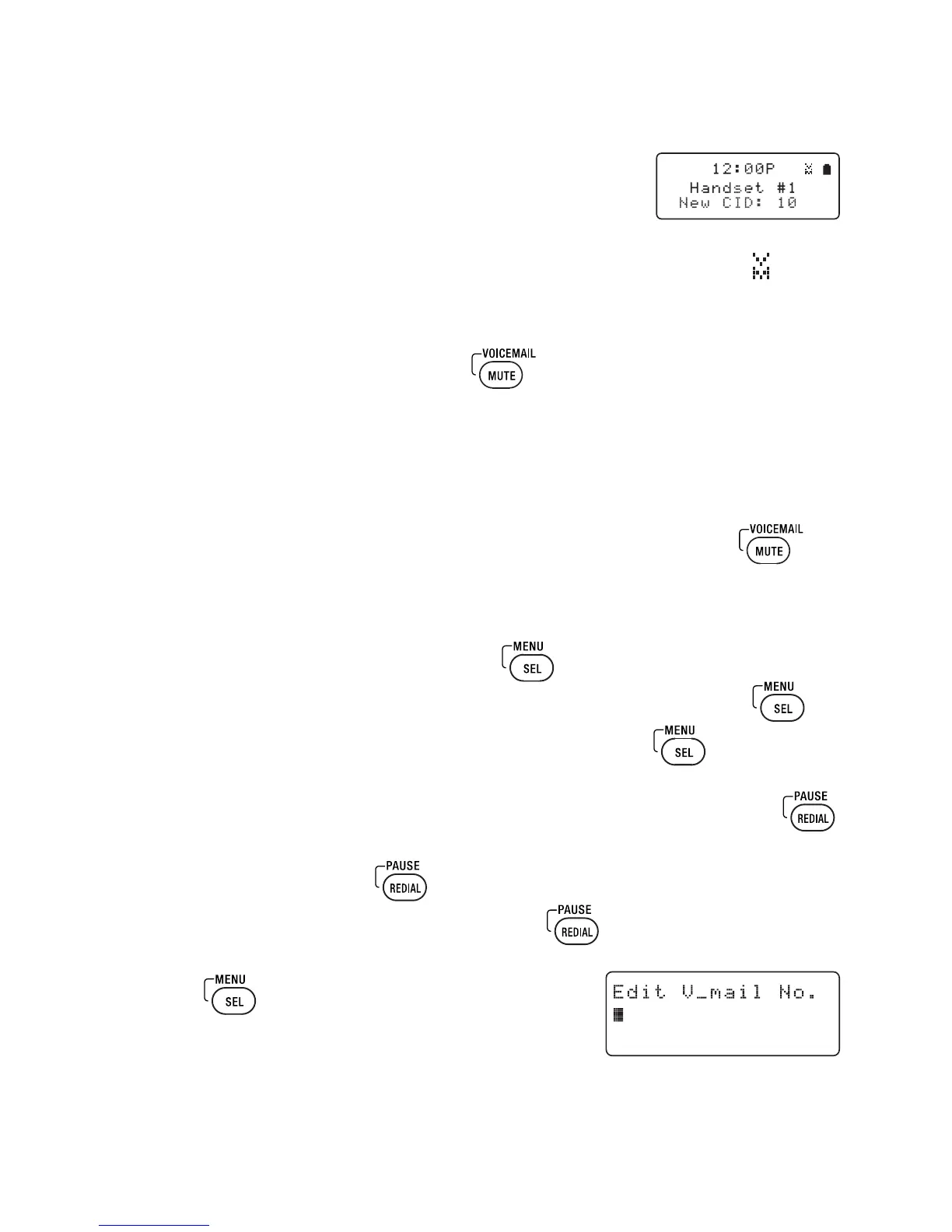
Accessing Your Voice Mail Service
If you subscribe to a voice mail service, you can use
your phone to access your voice mailbox.
1 When there are messages waiting in your voice mailbox,
the MESSAGE WAITING Indicator on the dial pad flashes, and
appears in the dial pad display.
2 If you have programmed your access number into your phone (see
instructions below), simply press to access your voice mail.
Your voice mail service provider should provide you with the access number,
signaling tone, and other specifics when you enroll.
One-touch Voice Mail Access
You can program your voice mail access number to the Voice Mail key on
the dial pad so you can get your messages at the touch of a button. Your voice
mail service provider will supply you with the access number (this may be simply
a phone number).
1 To edit the voice mail number, press
.
2 Move the cursor to select the Handset Setup menu and press
.
3 Move the cursor to select Edit Voice Mail and press
.
4 Enter your personal access number (up to 20 digits).
If you need to have the phone wait before sending the next digits, press
to insert a two-second pause in the dialing sequence.
For a longer pause, press
multiple times.
P appears in the display each time you press
and each pause counts as one digit.
5 Press when you are finished.
You will hear a confirmation tone.



 To Next Page