11
en
Settings
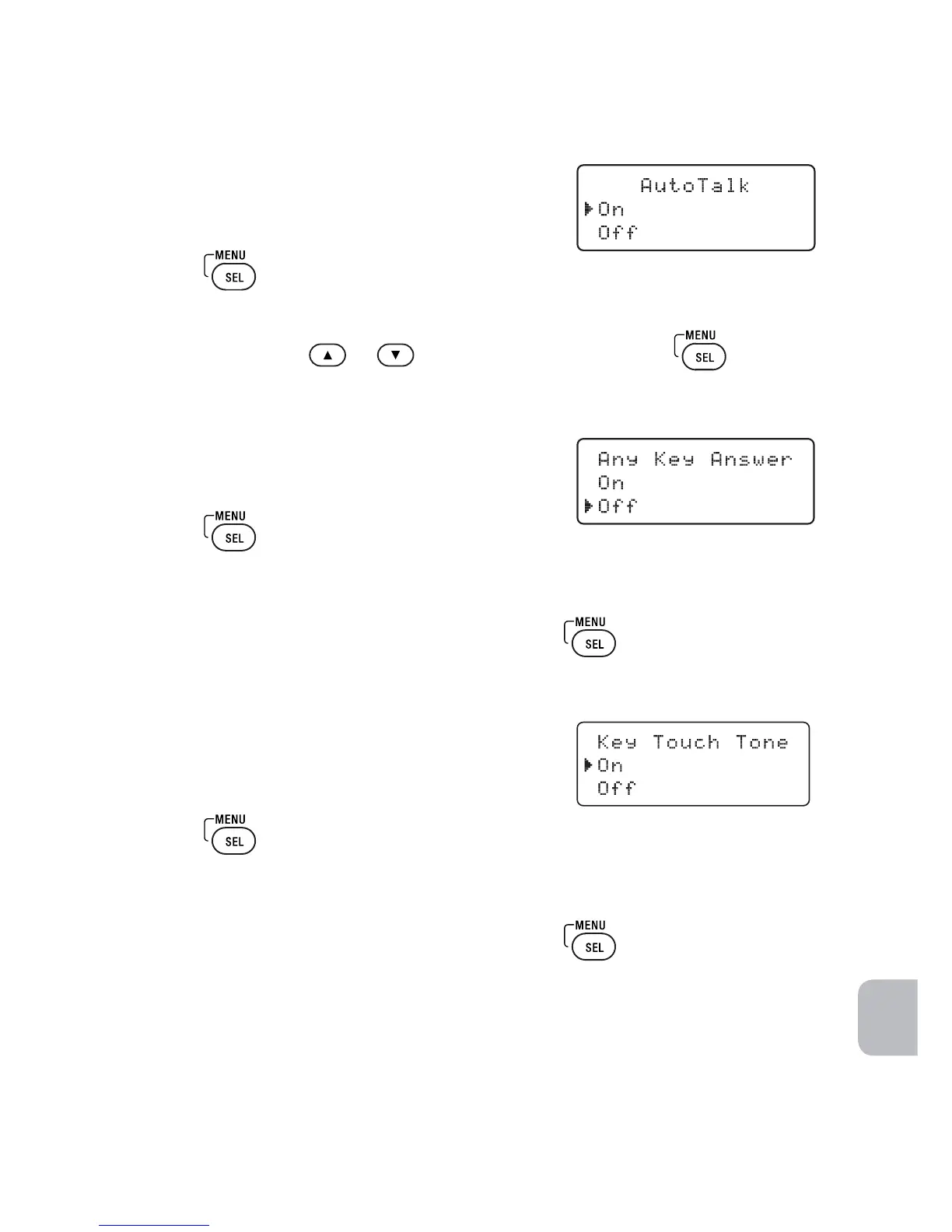
Activating Auto Talk
Auto Talk allows you to answer the phone simply
by picking up the dial pad from the base. You do
not have to press a button to answer the call.
1 Press
.
2 Select the Handset Setup menu, and then the Auto Talk submenu.
3 Move the cursor
or
to select On or Off. Press
to confirm.
Activating Any Key Answer
Any Key Answer allows you to answer the phone
by pressing any key on the dial pad.
1 Press
.
2 Select the Handset Setup menu, and then the Any Key Answer
submenu.
3 Move the cursor to select On or Off. Press
to confirm.
Activating the Key Touch Tone
Key Touch Tone is the tone your keypad makes
when keys are pressed. You can turn this tone
on or off.
1 Press
.
2 Select the Handset Setup menu, and then the Key Touch Tone
submenu.
3 Move the cursor to select On or Off. Press
to confirm.



 To Next Page