9
en
Traveling Out-of-Range
Your CT14 has a range of up to 300 ft. from the charging base. If you travel out of
range while the dial pad is in standby, the dial pad will display Out Of Range, and
you will not be able to place/answer calls.
If you travel out of range while on a call, the dial pad will beep, display Out Of
Range, and then go to standby. The base will maintain the connection for
30 seconds after the dial pad goes out of range.
If you move the dial pad back within range of the base within 30 seconds, press
to pick up the call again.
Settings
Language Setup
Your dial pad supports three languages: English, French and Spanish. The default
language is English.
1 To select a different language, press .
2 Use
or
to select Handset Setup menu, then press
.
3 Use
or
to select Handset Language submenu, then press
.
4 Move the cursor to choose English, Français (French) or Español
(Spanish).
5 Press
to confirm.
Time and Day Setup
1 To change the day or time shown in the display, press
.
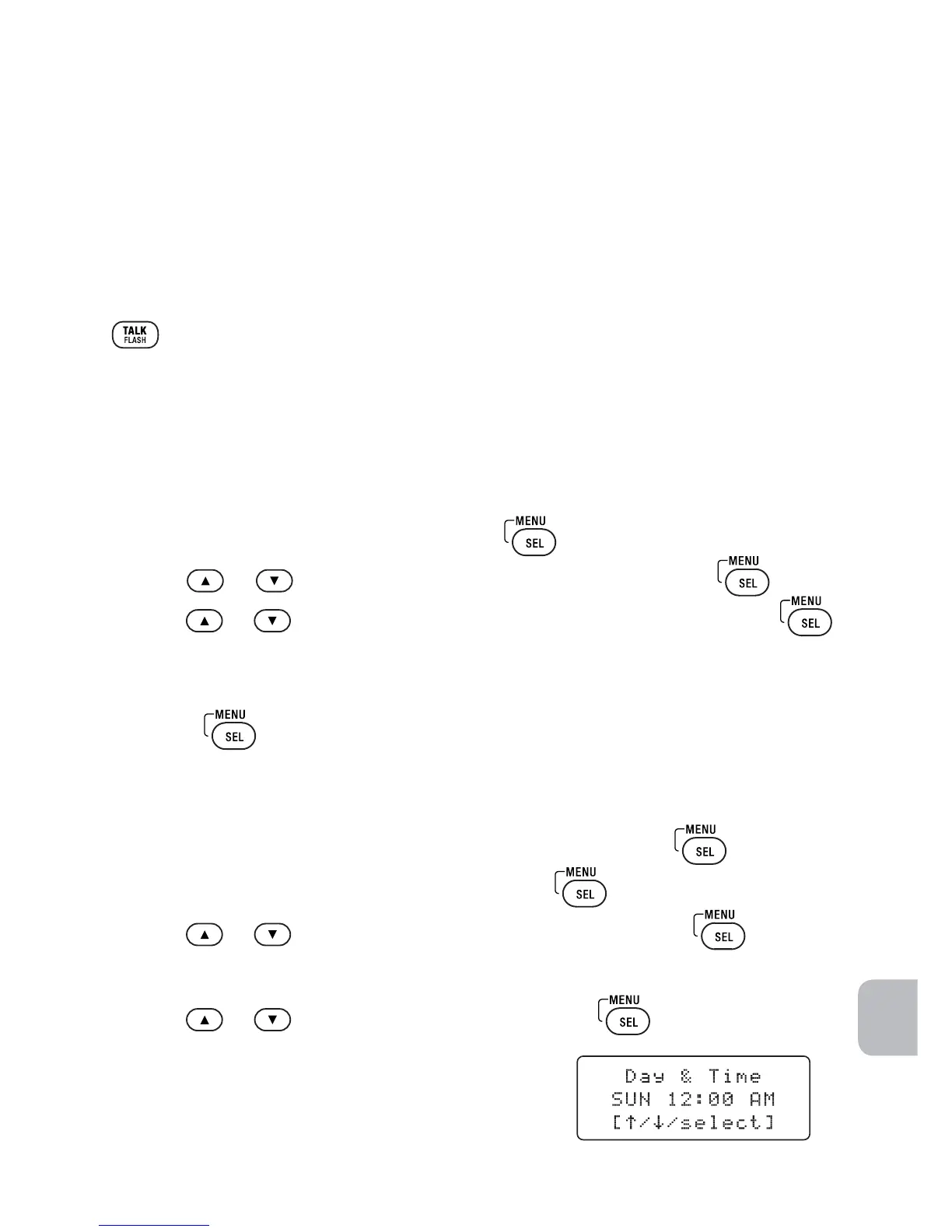
2 Move the cursor to Day & Time and press
.
3 Use
or
to select the day of the week, and press
.
4 Use the number keypad (0 through 9) to enter the hour and minutes.
5 Use
or
to select AM or PM, and press
.
You will hear a confirmation tone.
NOTE With the phone in standby, the day of the
week does not appear on the dial pad display.



 To Next Page