21
en
Subscription Services
In order to use voice mail, Caller ID or Call Waiting services, you need to
subscribe to those services from your telephone service provider.
Using Call Waiting
If you have Call Waiting service and a second call
comes in when you are on the phone, a call waiting
tone will sound. Press to accept the waiting call.
There will be a short pause, and then you will hear
the new caller. To return to the original caller, press
.
Using Caller ID
If you subscribe to Caller ID service from your phone
company, your phone will show you the caller’s phone
number and name (if available) when a call comes in.
If you subscribe to Caller ID on Call Waiting, the phone will also show you the
name and the number of any call that comes in while you’re on the line.
Viewing the Caller ID List
You can store up to 30 Caller ID numbers in the dial pad. Caller ID records are
stored from newest to oldest. Once your Caller ID list is full, the oldest record will
be automatically deleted when a new call is received.
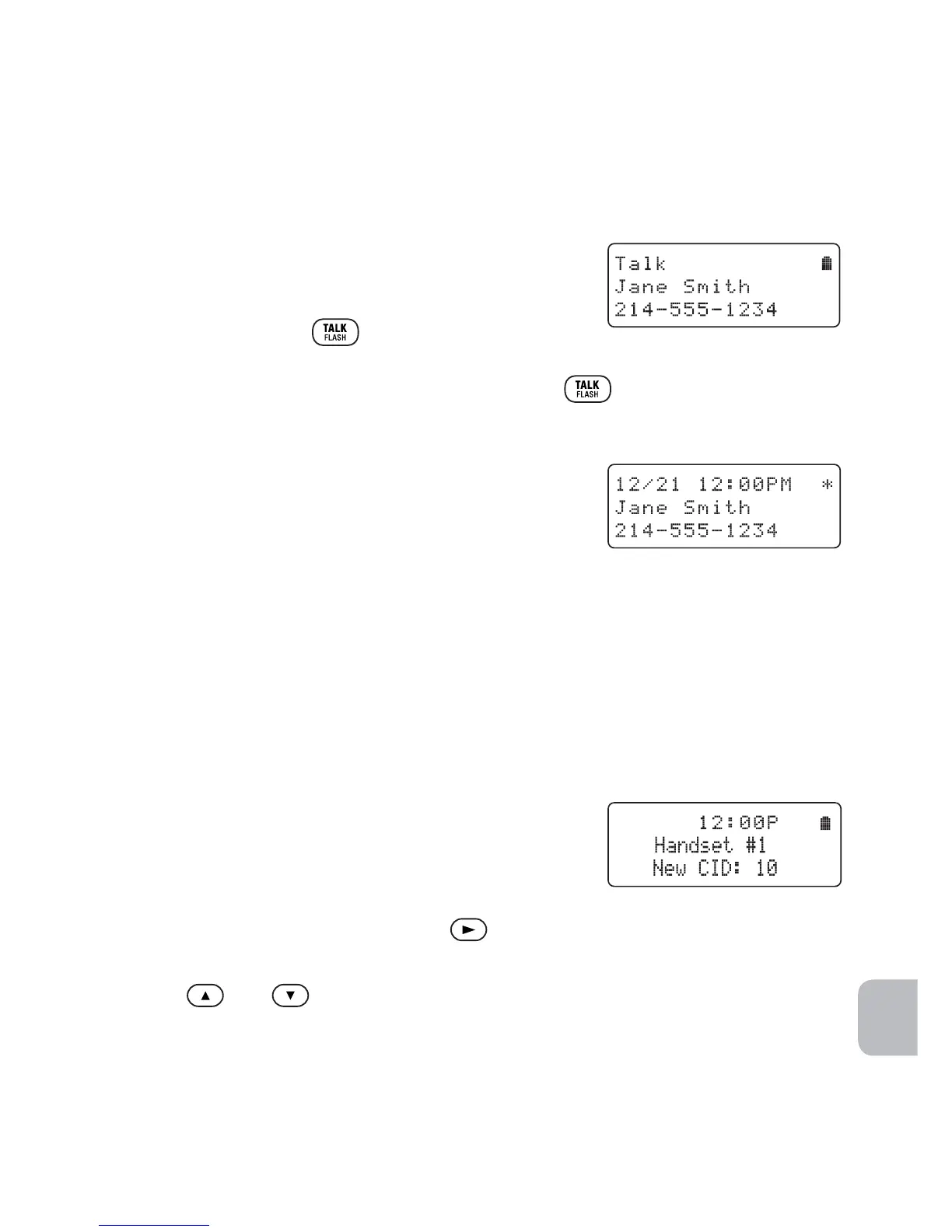
When you have new Caller ID records (that is,
records you have not reviewed yet) and the phone
is in standby, the screen will display the number of
new Caller ID calls received.
1 To view the Caller ID list, press
.
The phone will show the latest record.
2 Use and to scroll through the list.
New records have an asterisk (
*
) next to the received time.
NOTE You can save Caller ID contacts to your phonebook. See Storing Redial or Caller ID
Numbers in the Phonebook on previous page.



 To Next Page