25
en
Subscription Services
Setting Voice Mail Signaling Tone
If your message waiting indicator on your phone is not illuminating when you
have waiting messages, you need to contact your service provider and ask them
which type of message notification signal — either Frequency Shift Keying (FSK) or
Stutter Dial Tone (SDT) — their service uses.
If your voice mail service uses an FSK message signal to alert you of a new voice
mail message, you must turn off the Voice Mail Tone.
If your voice mail service uses an SDT message signal to alert you of new voice
mail messages, you can leave the Voice Mail Tone on.
1 To set up your cordless phone settings, press
.
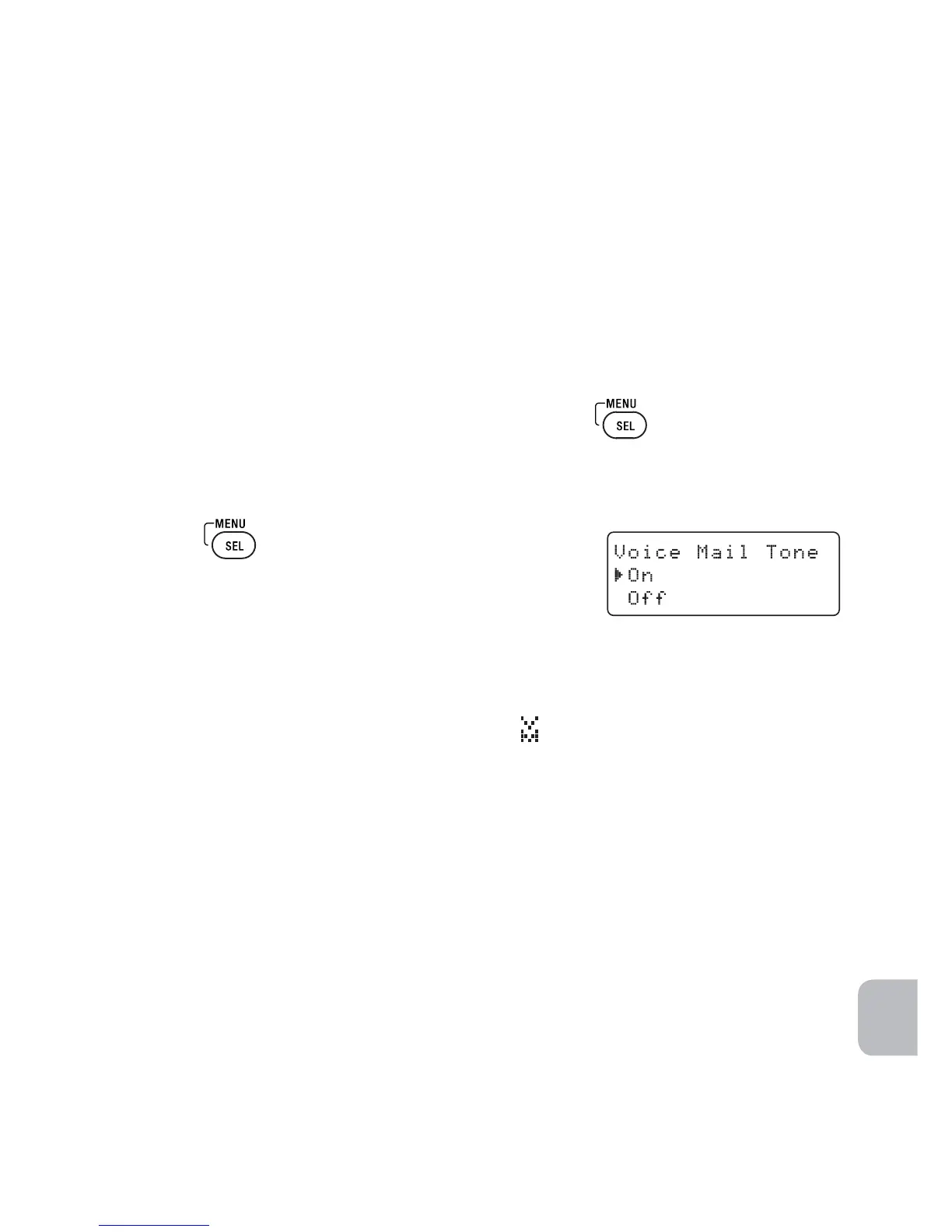
2 Select the Global Setup menu, and then the Voice Mail Tone submenu.
3 Move the cursor to set the SDT Voice Mail Tone to On or Off.
4 Press
.
You will hear a confirmation tone.
Resetting the Voice Message Waiting Indicator
When you receive a new voice mail message, the
MESSAGE WAITING indicator on the top
of the dial pad flashes and the voice mail icon
appears in the dial pad display.
If your message waiting light gets out of sync with your phone company’s
voice messaging system, you can manually reset it back to the “No messages
waiting” state.
1 Press and hold PAGE on the base for five seconds.
The dial pad(s) connected to the base will start to beep.
Keep pressing for five seconds.
2 A beep sounds and the message alert tone is reset.



 To Next Page