4
1 Remove the belt clip
by pulling one side of the belt clip to release the tab from the hole.
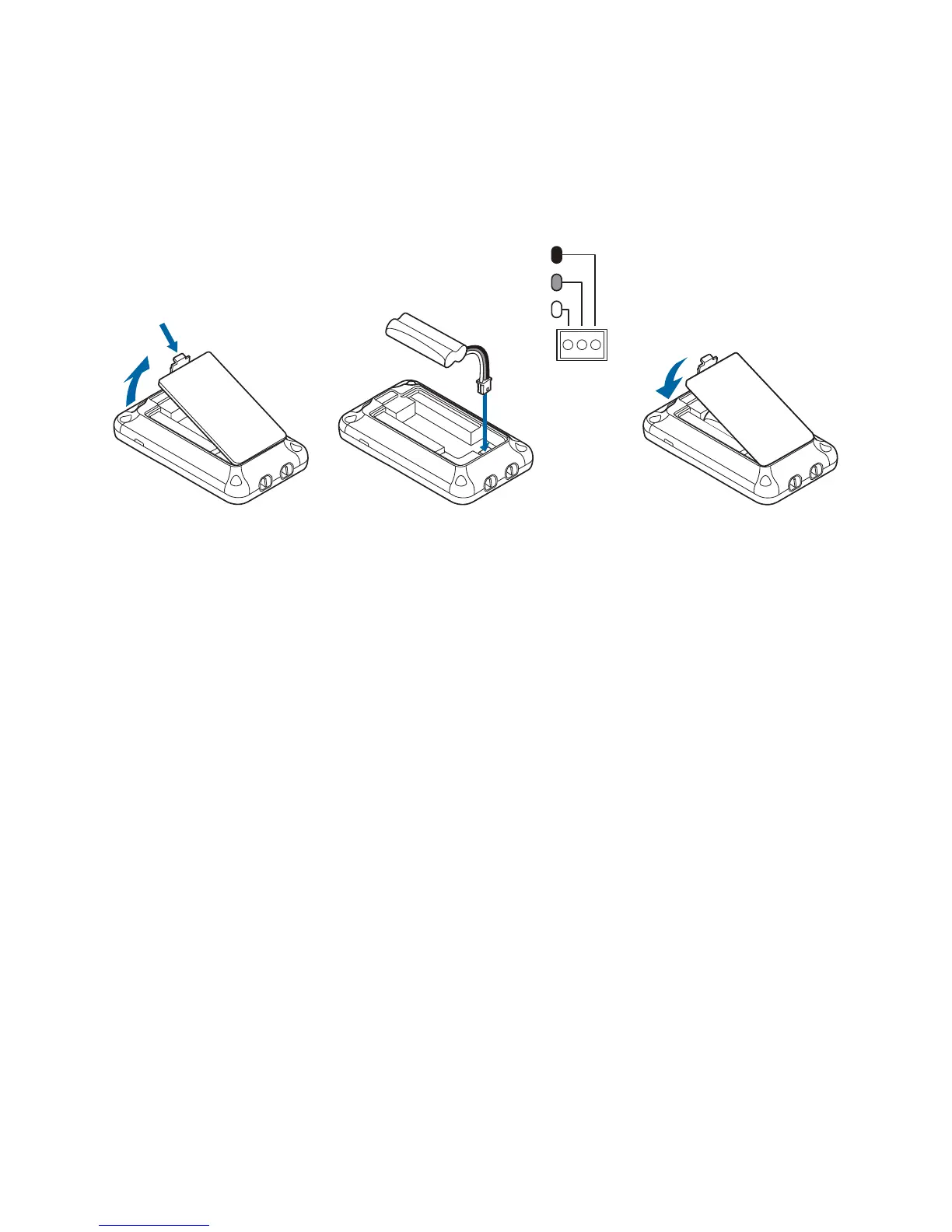
2 Squeeze the latch on the battery compartment cover and lift the cover.
3 Connect the Battery Pack connector.
Do not force. Plastic connectors will fit in only one way.
4 Insert battery pack into the battery compartment.
5 Insert tabs of cover into slots and push down to securely close
the cover.
Installing the Dial Pad Battery
Black
Red
White



 To Next Page