11.2 Switching the electrofusion control unit on
11.2.1 Monomatic (Bluetooth)
Step Action
1 Switch the ON-OFF-switch to "ON" position.
The electrofusion control unit signals its readiness by two bleeps. The background lighting of the
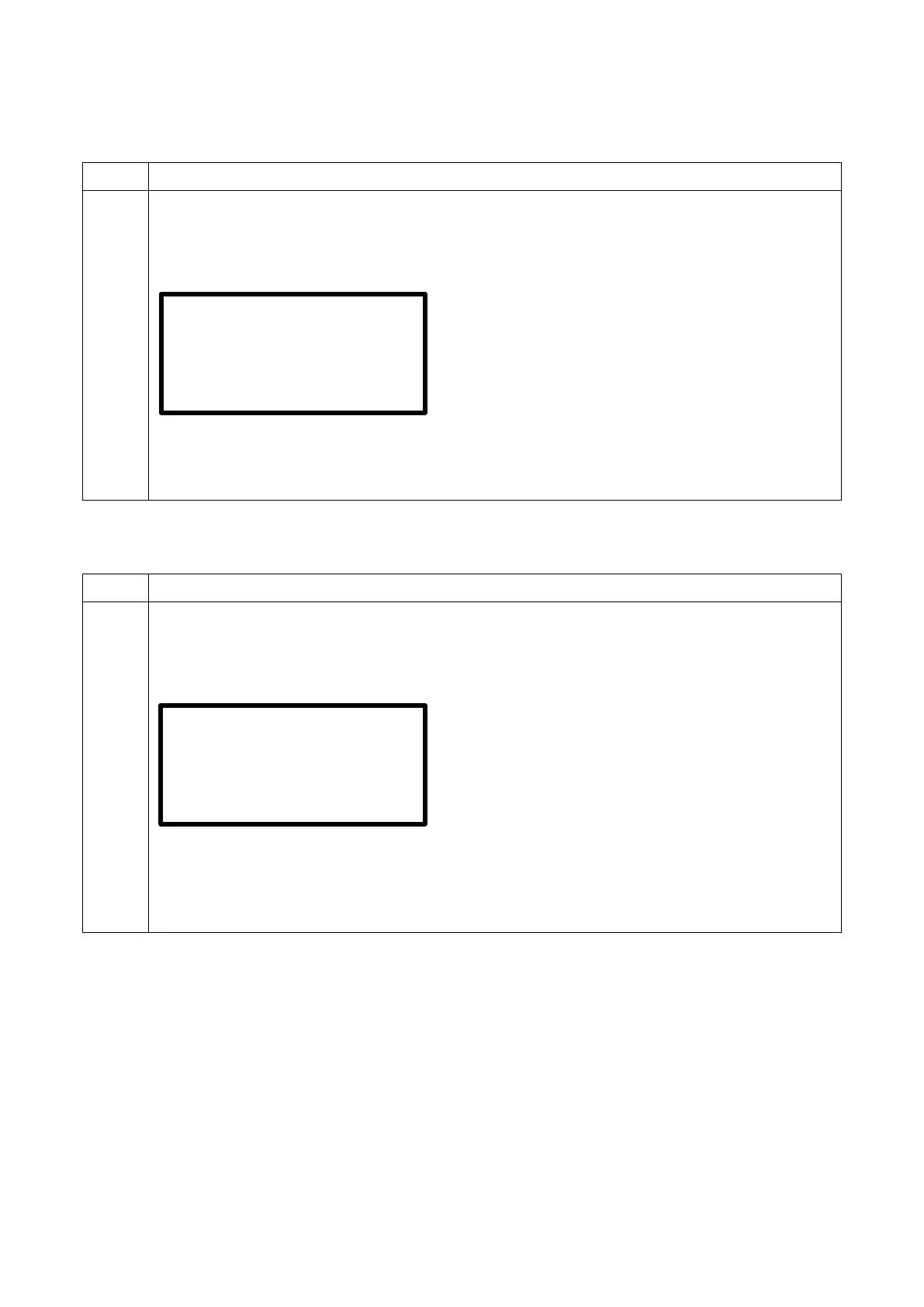
display turns on automatically. The display shows the following message for approx. 7 seconds:
Display after switching on
Row 1 shows the device type. BT will only appear if it is an electrofusion control unit with
Bluetooth capability***.
Row 2 shows the software version.
Row 3 shows the total amount of working hours (summed up welding times).
***) Only with electrofusion control units that have Bluetooth functionality.
11.2.2 Monomatic Data USB (Bluetooth)
Step Action
1 Switch the ON-OFF-switch to "ON" position.
The electrofusion control unit signals its readiness by two bleeps. The background lighting of the
display turns on automatically. The display shows the following message for approx. 7 seconds:
Display after switching on
Row 1 shows the device type.
Row 2 shows the software version. BT will only appear if it is an electrofusion control unit with
Bluetooth capability***.
Row 3 shows the total amount of working hours (summed up welding times).
Row 4 shows the number of free reports in the memory.
***) Only with electrofusion control units that have Bluetooth functionality.
2.40H5
0 Workings hours
USB BT 2.10M5
0 Workings hours


 To Next Page