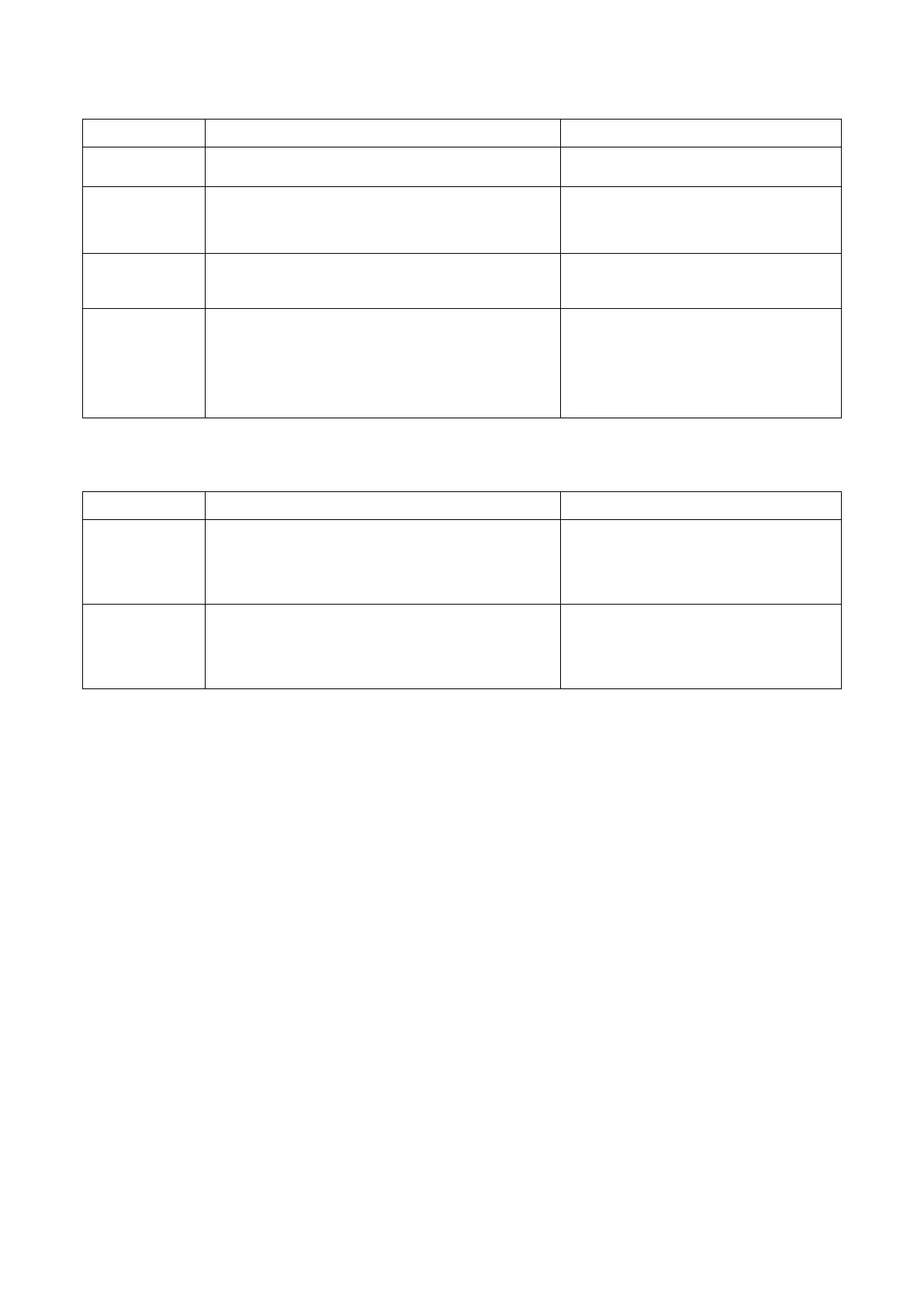
14.3.3 Error codes when using a USB-printer*
Errorcode Cause Reaction
USB Error 17
No PCL-capable printer is connected resp.
printer is not supported.
Connect PCL-capable printer and
restart printing.
USB Error 18
Printer error Restart the device and repeat action.
If the error occurs again, the device
needs to be checked.
USB Error 19
Printer memory error Restart printer and repeat action.
USB Error 20
Test with a different printer.
USB Error 21
Error in printer Restart printer and repeat action.
USB Error 22
Test with a different printer.
USB Error 23
Check printer.
USB Error 24
*) Only with electrofusion control units that have data recording capability.
14.3.4 Bluetooth error messages
Errorcode Cause Reaction
Checking BT
module
Connector loose, defect in Bluetooth module Restart the device and repeat action.
Electrofusion control unit must be
checked.
BT module
not found
Connector loose, defect in Bluetooth module,
Bluetooth module not available
Restart the device and repeat action.
Electrofusion control unit must be
checked.
***) Only with electrofusion control units that have Bluetooth functionality.

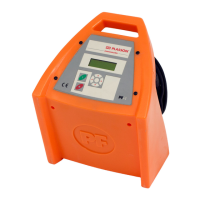

 To Next Page