11.4 Main display / Displaying device data
When the main display is shown you can display device data of the electrofusion control unit by pressing and
holding the ► button.
Step Action
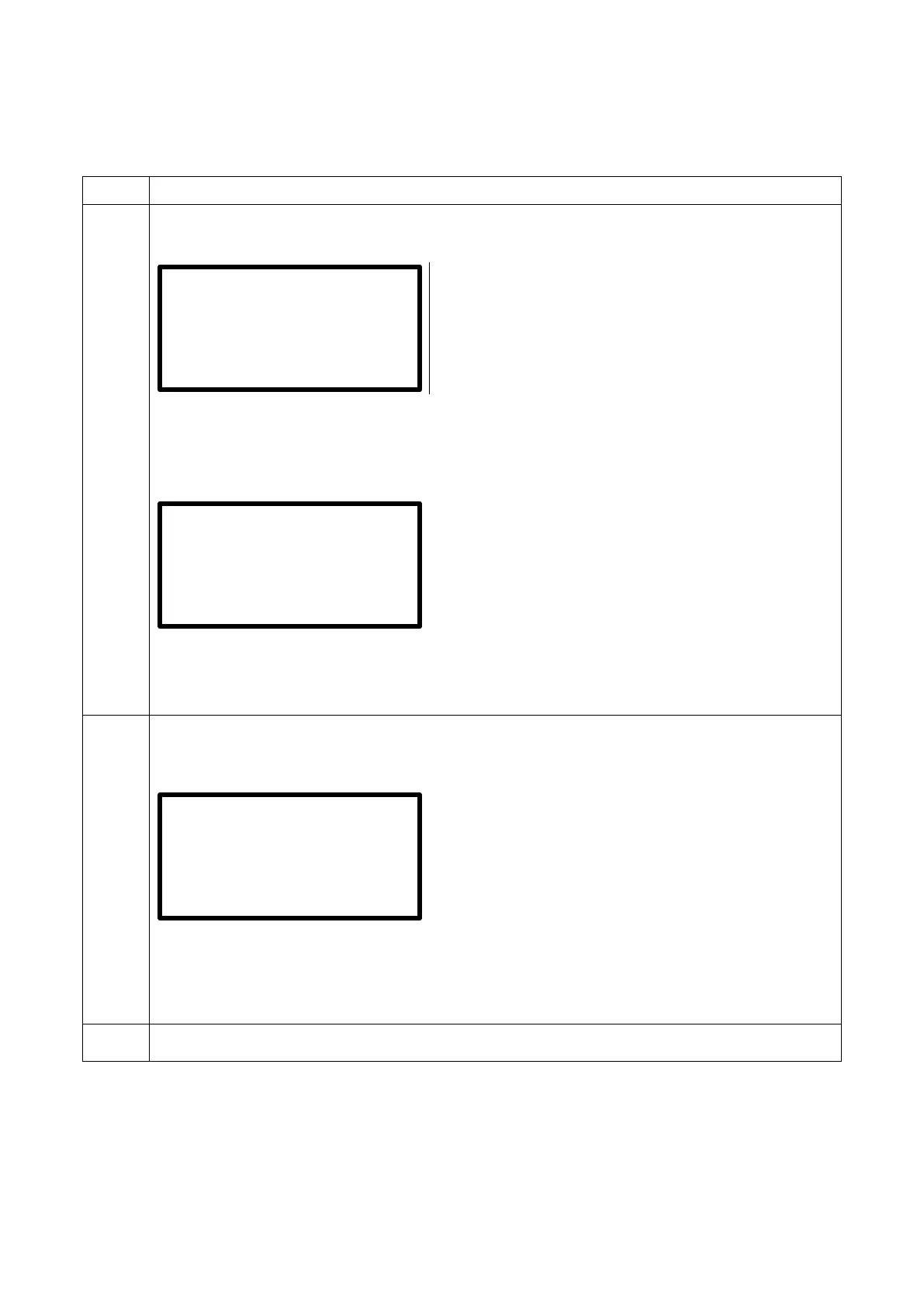
1 Before connecting a fitting, the display shows the main display:
Main display* Monomatic (Bluetooth)
Row 1 shows the message that a fitting must be connected.
Row 2 shows the measured mains voltage.
Row 3 shows the measured mains frequency.
Row 4 shows the message, that no fitting is connected.
Main display* Monomatic Data USB (Bluetooth)
Row 1 shows the message that a fitting must be connected.
Row 2 shows the measured mains frequency and the mains voltage.
Row 3 shows the set date and time.
Row 4 shows the message, that no fitting is connected.
2
Press and hold the right arrow button ► to display device data of the electrofusion control
unit.
Device data
Row 1 shows the device type.
Row 2 shows the software version as well as the total welding time in seconds.
Row 3 shows the device number. The device number is preset and cannot be changed.
Row 4 shows the inventory number. The inventory number can be set in the system configuration,
At first the device number is used as inventory number.
3 Release the right arrow button to stop the display of the device data.
*) Devices that have a built-in temperature sensor show the ambient temperature in the second row of the main display after
the mains voltage. Additionally the ambient temperature will be shown in the welding report.
**) Only with electrofusion control units that have data recording capability.
Voltage: 230 V
Frequency: 50 Hz
50 Hz 230 V +25°C
31.05.2017 15.03
2.40M5 54 s
12345678


 To Next Page