Step Action
4 End of data transmission
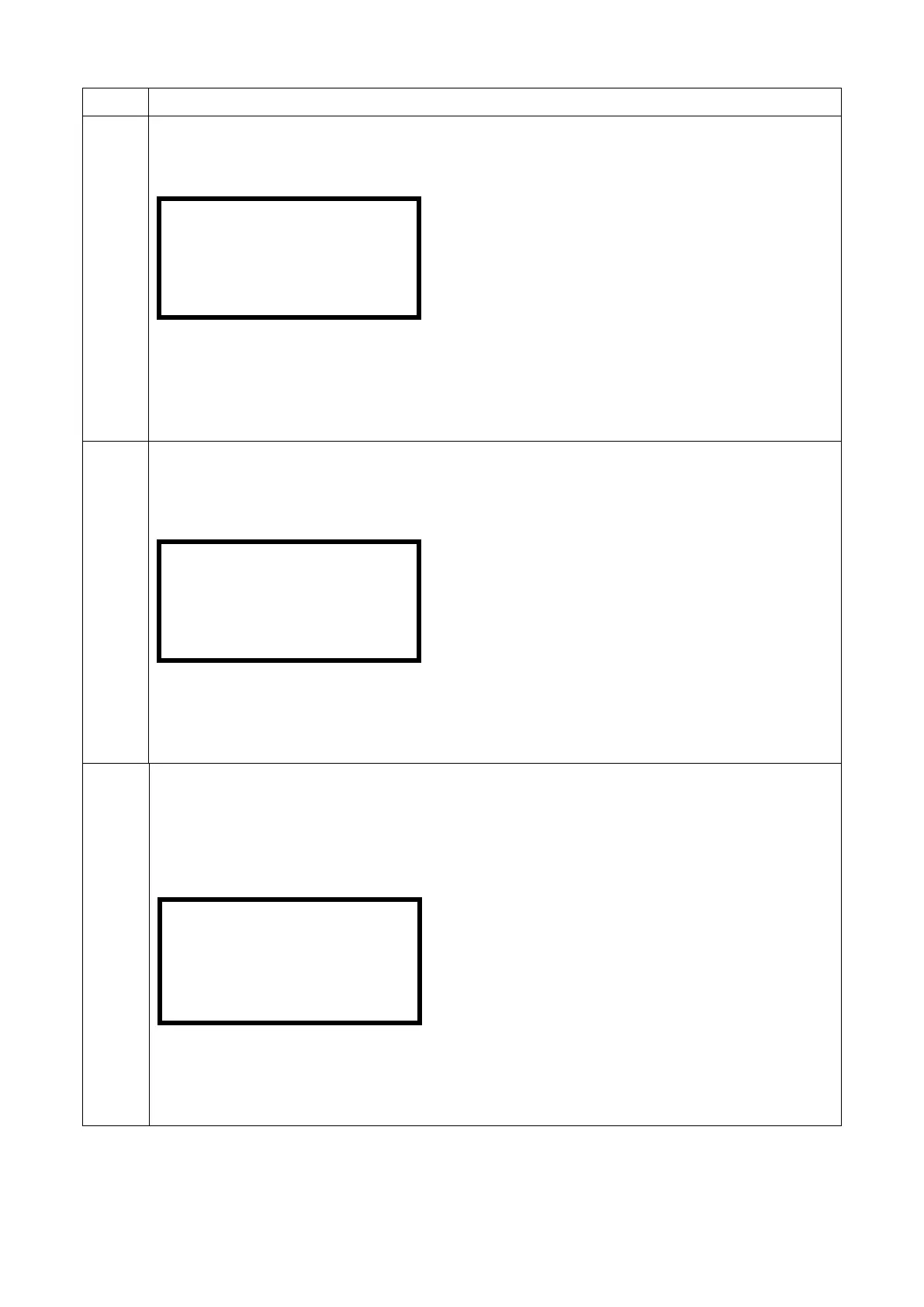
After the data transfer this display is shown.
Prompt for the printout of the system configuration
The electrofusion control unit prompts whether the current system configuration shall also be
printed out. In this case continue reading step 6 OPT.
If you press the green start button then the system configuration will be printed out. In this case
continue reading step 5 OPT.
If you press the red stop button, the system configuration will not be printed out.
5 OPT OPTIONAL: Without printing the system configuration
5.1
If you do not want to print the current system configuration, press the red stop button. The
following display is shown:
Data transmission was successful.
OPTIONAL: To return to the main display press the red stop when this display is shown.
OPTIONAL: To be able to erase the recently printed reports press the green start button. The
following display is shown:
6
OPT
OPTIONAL: Deletion of the transferred reports
OPT
OPTIONAL: If you want to erase the reports, press the enter button. A confirmation prompt "Are
you sure?" will be displayed. OPTIONAL: Confirm this prompt by pressing the green start button.
The reports will be deleted and the electrofusion control unit again shows again the main display.
Prompt for deletion after the data transfer
If you chose the job number printing you are offered the possibility to erase the reports that are
stored under a single job number.
OPTIONAL: Press the red stop button to leave the reports in the memory of the device. The
electrofusion control unit will then show the main display again.
configuration
.....


 To Next Page