PX-230A Installation and Users Manual
7
2. Installing the
PX-230A Internal ATAPI Drive
This chapter explains how to physically install your PX-230A internal
ATAPI drive in your computer.
PX-230A Drive Features and Controls
Before proceeding, become familiar with the controls and features of
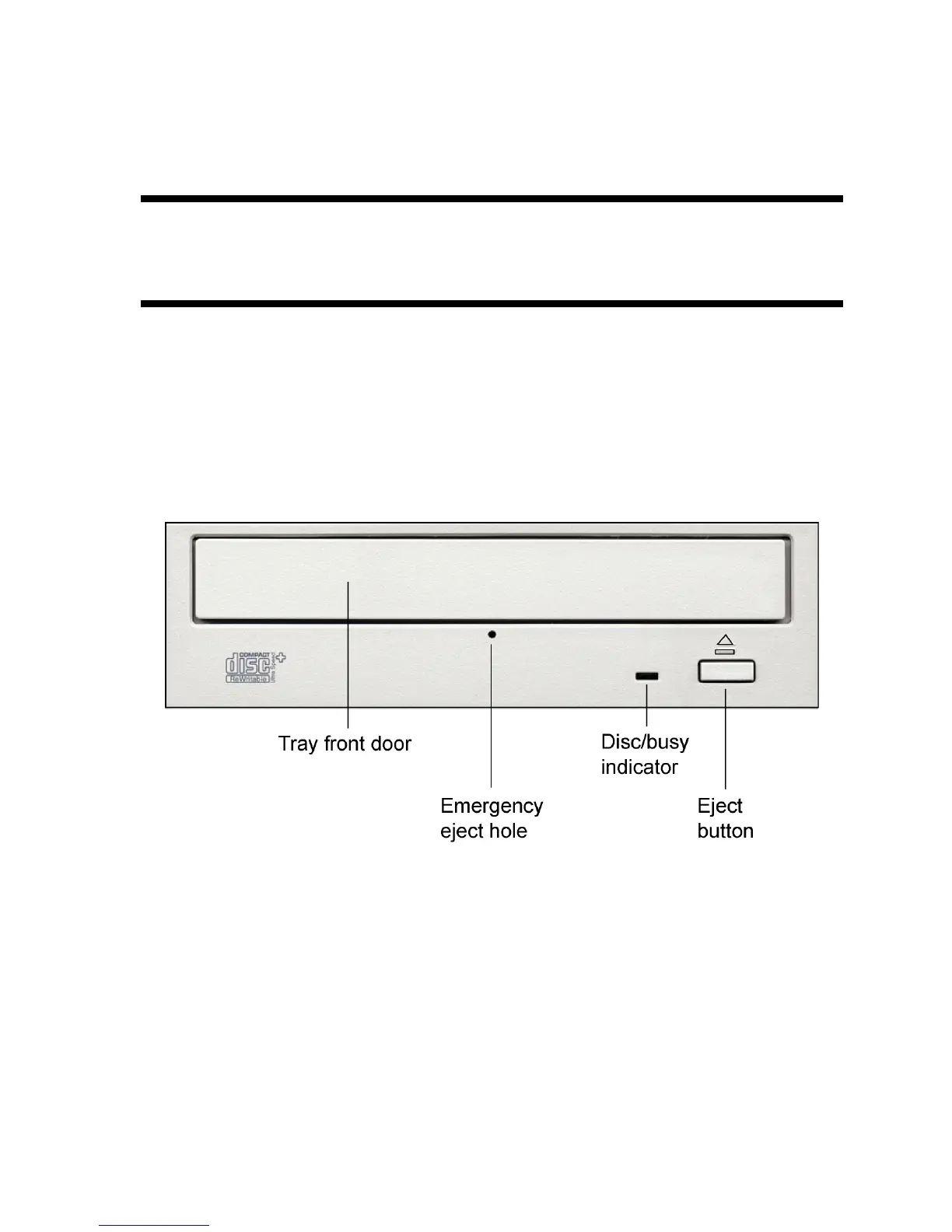
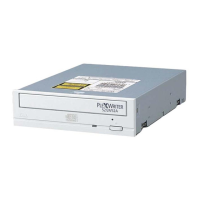
your Plextor drive. Match the parts of your drive to the illustrations
below.
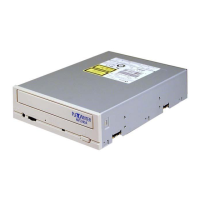
Front Panel—PX-230A Internal Drive
Figure 1: Front panel of the PX-230A internal ATAPI drive
• Disc/busy indicator: Illuminated solid green when ready.
Illuminated blinking green when reading and writing. (Blink rate
indicates the type of activity.)
• Tray front door: Attached to tray drawer.


 To Next Page