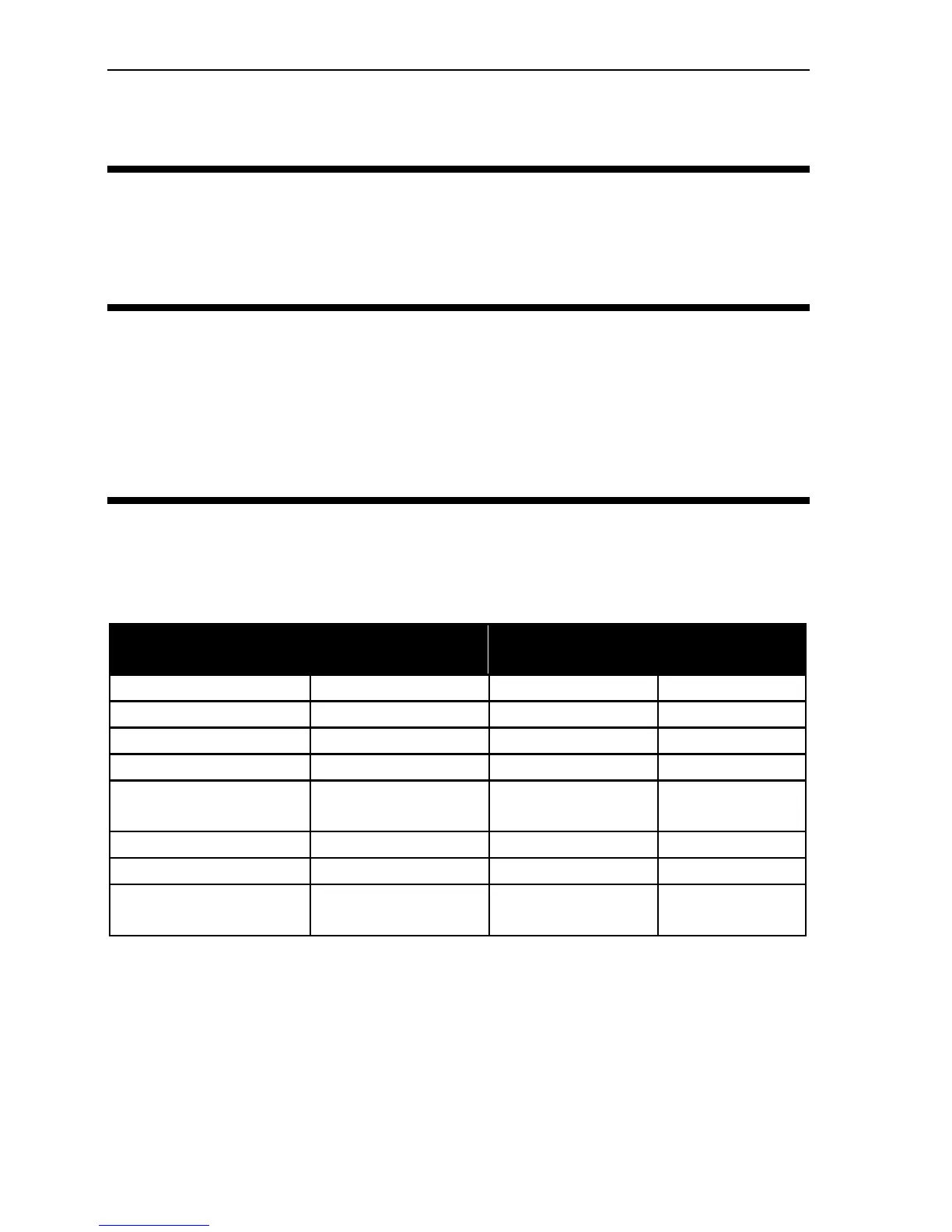
Section 3. Using Your PX-230A
36 PX-230A Installation and Users Manual
HINT: Keep your frequently used discs in jewel cases at all times to
prevent them from becoming dirty or damaged.
Mounting Position
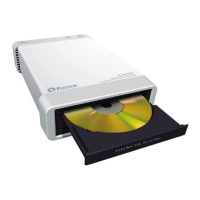
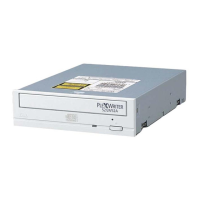
You can operate your PX-230A drive in either a horizontal or a vertical
position.
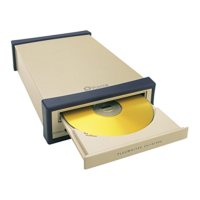
Writing to CD-R and CD-RW Media
In conjunction with your drive, mastering and packet writing software
allows you to write audio, video, data, or other information to writable
(CD-R) or rewritable (CD-RW) media. The PX-230A writes to all types
of CD-RW media.
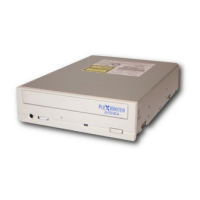
Using the Disc/Busy Indicator
The color and blink rate (in milliseconds) of the front-panel disc/busy
indicator give you information about the drive’s operation, as follows:
Operation
Disc/busy
LED color
On/Off/Blink
Blinking
interval
No disc – Off –
Error – Off –
Ready Green On –
Read data Green Blink 160ms
Read disc’s TOC,
PMA
Green Blink 320ms
Play audio Green Blink 1280ms
OPC operational Green Blink 640ms
Real or simulated
burn
Green Blink 640ms


 To Next Page