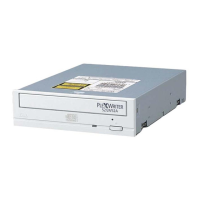
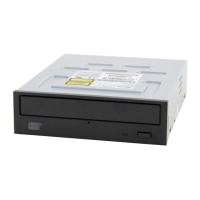
Section 2. Installing the PX-230A Internal ATAPI Drive
10 PX-230A Installation and Users Manual
If the security sticker on top of your box is cut, there may be a good
reason: for example, a dealer may have added other components or
software. Carefully check the contents to ensure nothing has been
removed. If something is missing, contact the party from whom you
purchased the box for an explanation.
NOTE: This applies to the Plextor retail box. Your drive may have been
shipped in a different box with other contents, depending on whom you
purchased the drive from and what they included inside the box.
If your drive came pre-installed, some or all of the items above may
have been installed and may not be separately available. See the Plextor
web site for locations to purchase additional or replacement accessories.
Mount the PX-230A Drive
Installation steps are as follows:
1. Turn OFF your computer system.
2. Set the jumpers for your new PX-230A drive, if necessary.
3. Mount the drive into an available drive bay inside the computer
system.
4. Make all necessary cabling connections: IDE cable, power cable, and
audio cable.
5. Turn your computer system ON.
The following pages give more details for this procedure.


 To Next Page