Section 5. Maintenance and Troubleshooting
66 PX-760 Installation and Users Manual
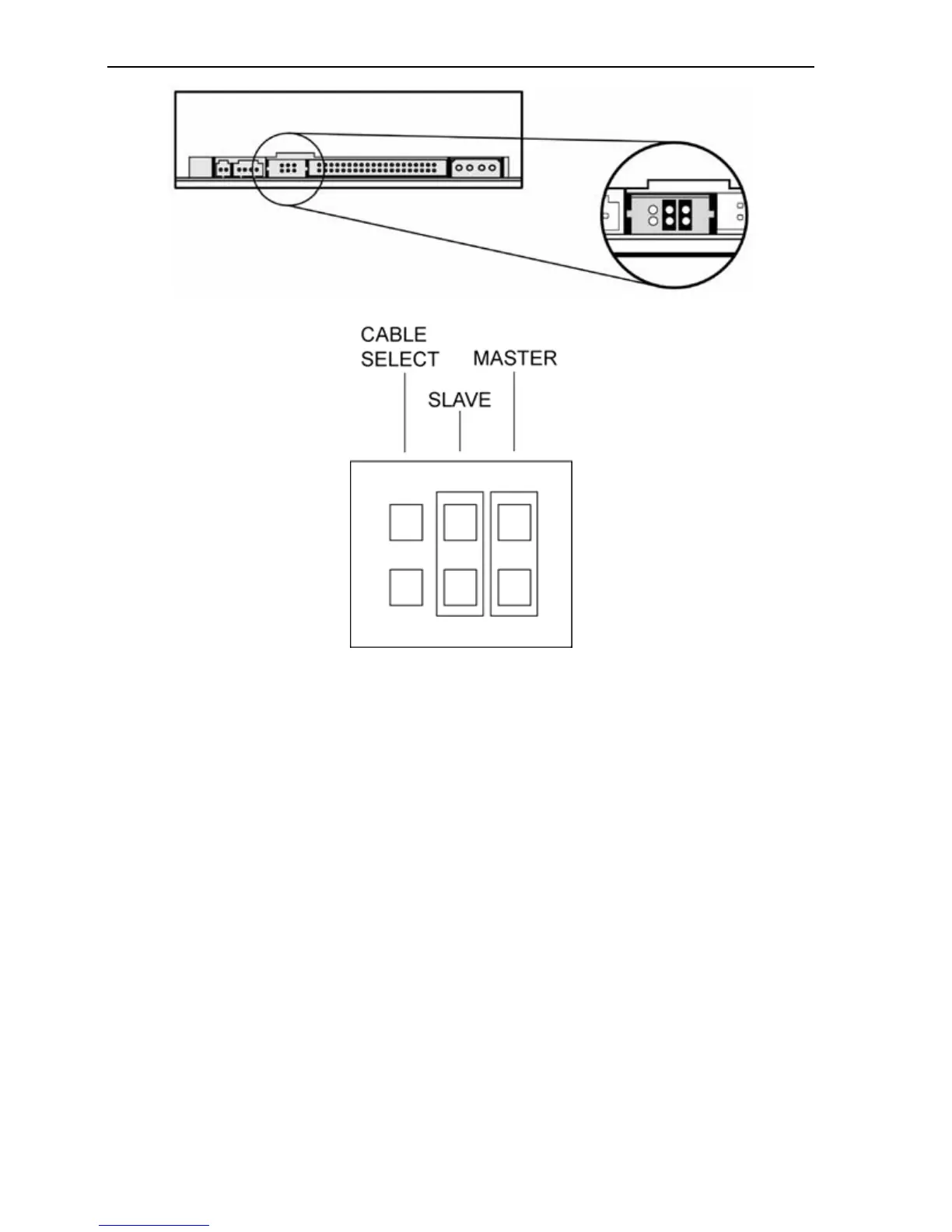
Figure 38: Place jumpers across both the Slave and Master pins to
perform the self-test diagnostics on the PX-760A.
9. Insert a blank Plextor-recommended DVD±R or CD-R disc. Be sure
to use only media of the type recommended by Plextor.
If the LED indicator blinks amber three times, the loaded disc is
not a blank DVD±R or CD-R disc. Remove the disc and insert a
blank, Plextor-recommended DVD±R or CD-R disc.



 To Next Page