15
463X Chlorine Systems Manual
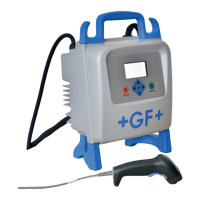
The 8630-3 (159 001 662) has two menus the user can edit: CALIBRATE and OPTIONS.
• The CALIBRATE menu allows you to calibrate and initialize sensors, defi ne current loops and set relay functions.
• The OPTIONS menu allows you to set sensor type, adjust and test current loops, test relays and more.
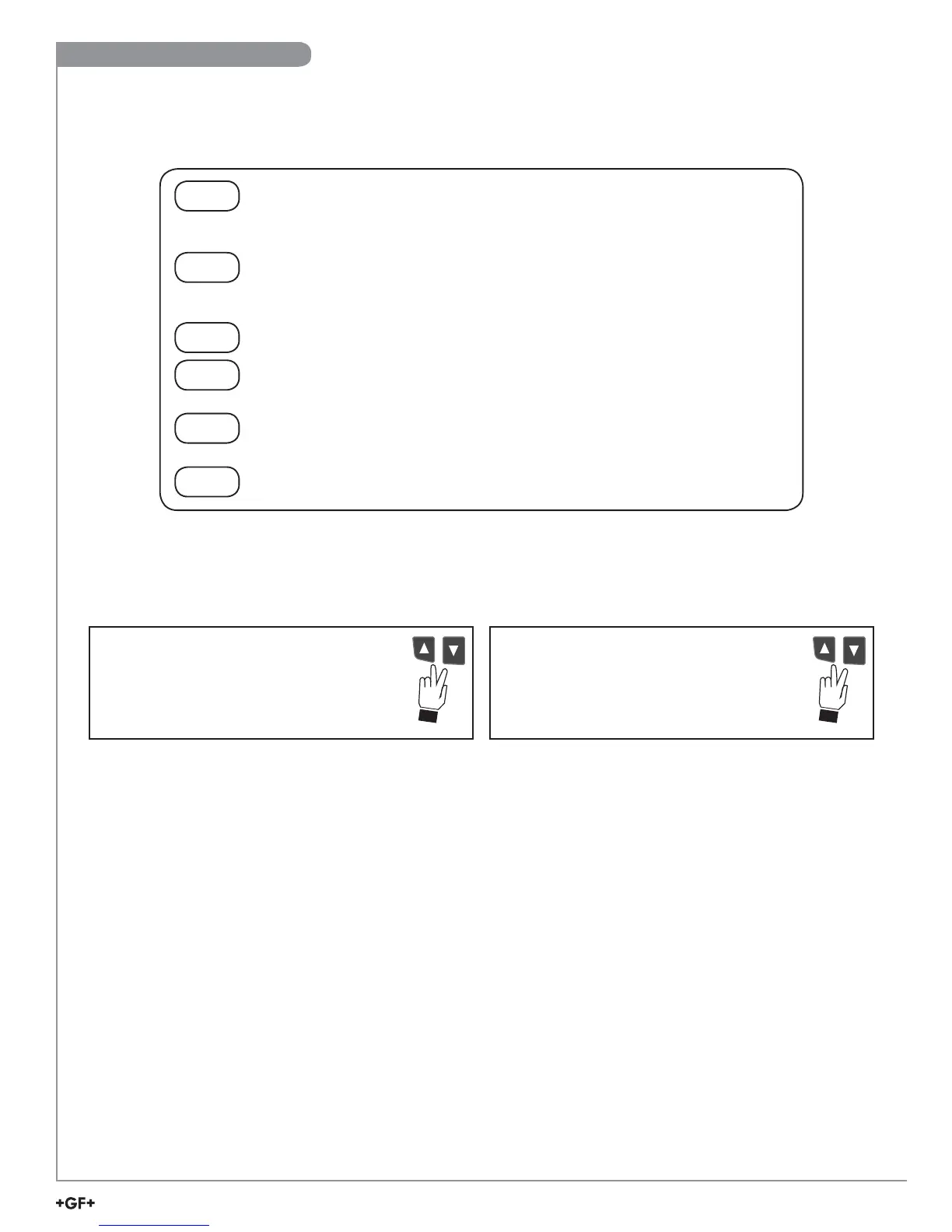
Step 1. Press and hold the ENTER key:
• 2 seconds to select the CALIBRATE menu.
• 5 seconds to select the OPTIONS menu.
Step 2. Enter the Key Code.
The Key Code is ▲-▲-▲-▼ keys in sequence.
• After entering the Key Code, the display will show the fi rst item in the selected menu.
Step 3. Scroll the menu in a loop with the ▼ or ▲ arrow keys.
Step 4. Press the ► key to select the menu item to be edited.
• The fi rst display element will begin fl ashing.
Step 5. Press the ▲ or ▼ keys to edit the fl ashing element.
• The ► key advances the fl ashing element.
Step 6. Press the ENTER key to save the new setting and return to Step 3.
Press the ▲ and ▼ keys simultaneously
while any element is fl ashing. This will recall
the last saved value of the item being edited
and will return you to Step 3.
Made an Error?
Press the ▲ and ▼ keys simultaneously
after saving the last setting to return to
View menu.
Finished Editing?
8630 Editing Procedure


 To Next Page