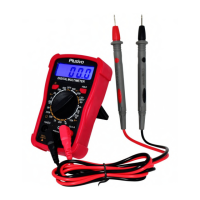
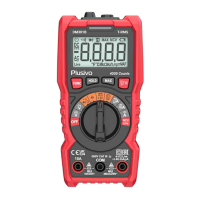
6.9 Temperature
7. Operation Instruction
Regular Operation
Press the “FUNC-HZ” button to enter into function selection mode.
The reading hold mode can save the current reading on the display, change the position of the
measurement function, or press and hold the key again to exit the data hold mode.
Backlight and Flashlight Function
The meter has a backlight and flashlight function for easy reading of measurement results by users in the
dark. To enter and exit this mode, please follow these steps:
● Short press the key to turn on the backlight, and press again to exit. It will automatically
turn off without any operation for 15s.
● Long press the key to turn on the flashlight function and the backlight at the same time.
Short press the key again to turn off the flashlight function. It turns off automatically without any
operation for 30s.
Auto power off
About 15 minutes after turning on, if there is no operating instrument, it will give audible voice prompts,
automatically turn off, and enter hibernation mode. You can press any key to restart the instrument.
7.1 AC and DC Voltage Measurement
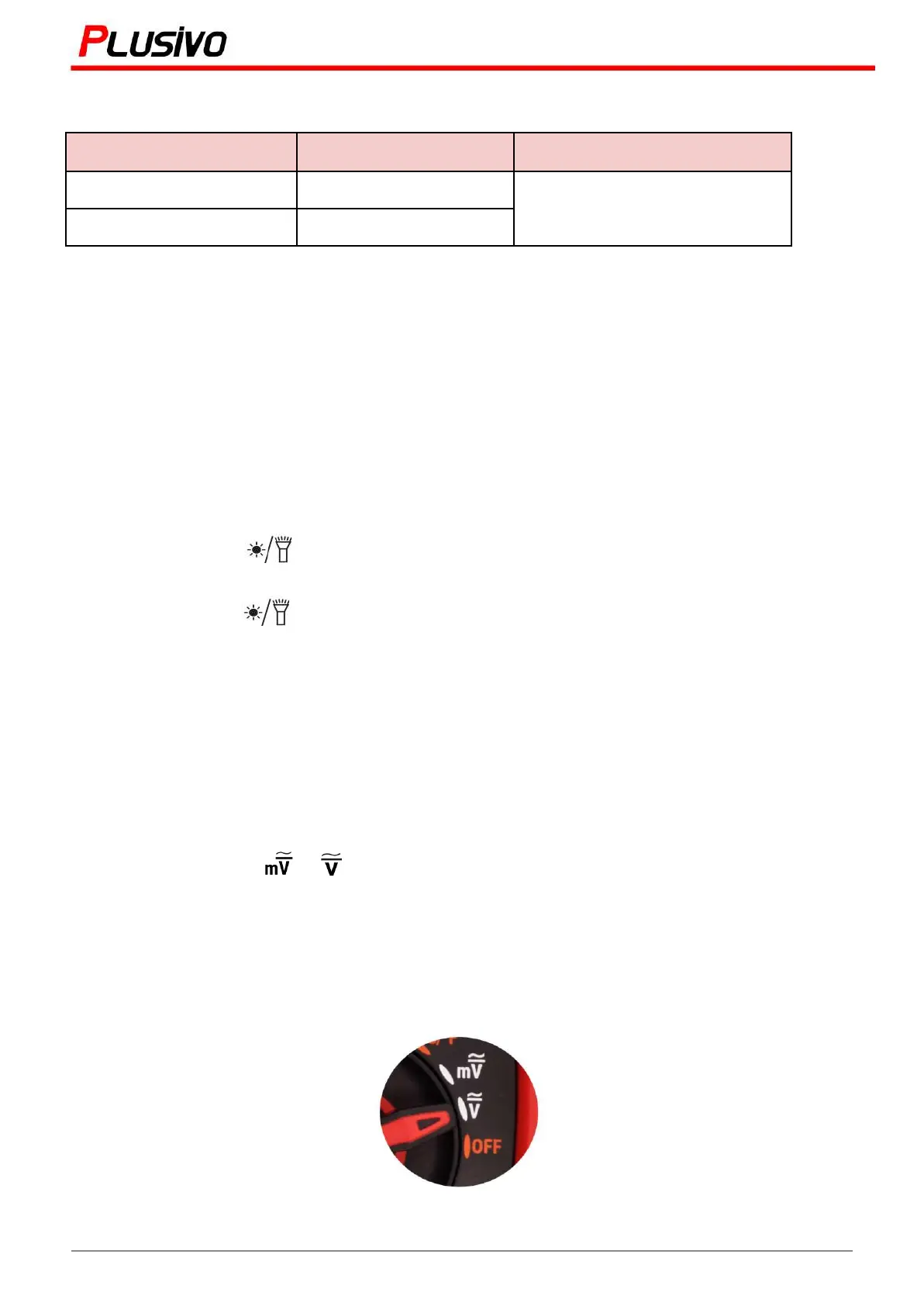
1. Turn the switch to or , press “FUNC-Hz” to choose AC or DC.
2. Connect the black test pen to the COM jack and the red pen to the V jack.
3. Measure the voltage value of the circuit under test with the other two ends of the test pens.
4. The reading will be shown on the LCD display, as well as the polarity of the end connected to the
red wire.
DC Voltage Measurement - set to DC Voltage measurement function
11
Mastering the Art of Measurement (DM501D Digital Multimeter) r.01 www.plusivo.com


 To Next Page