PocketBook 302 User Manual
13
W
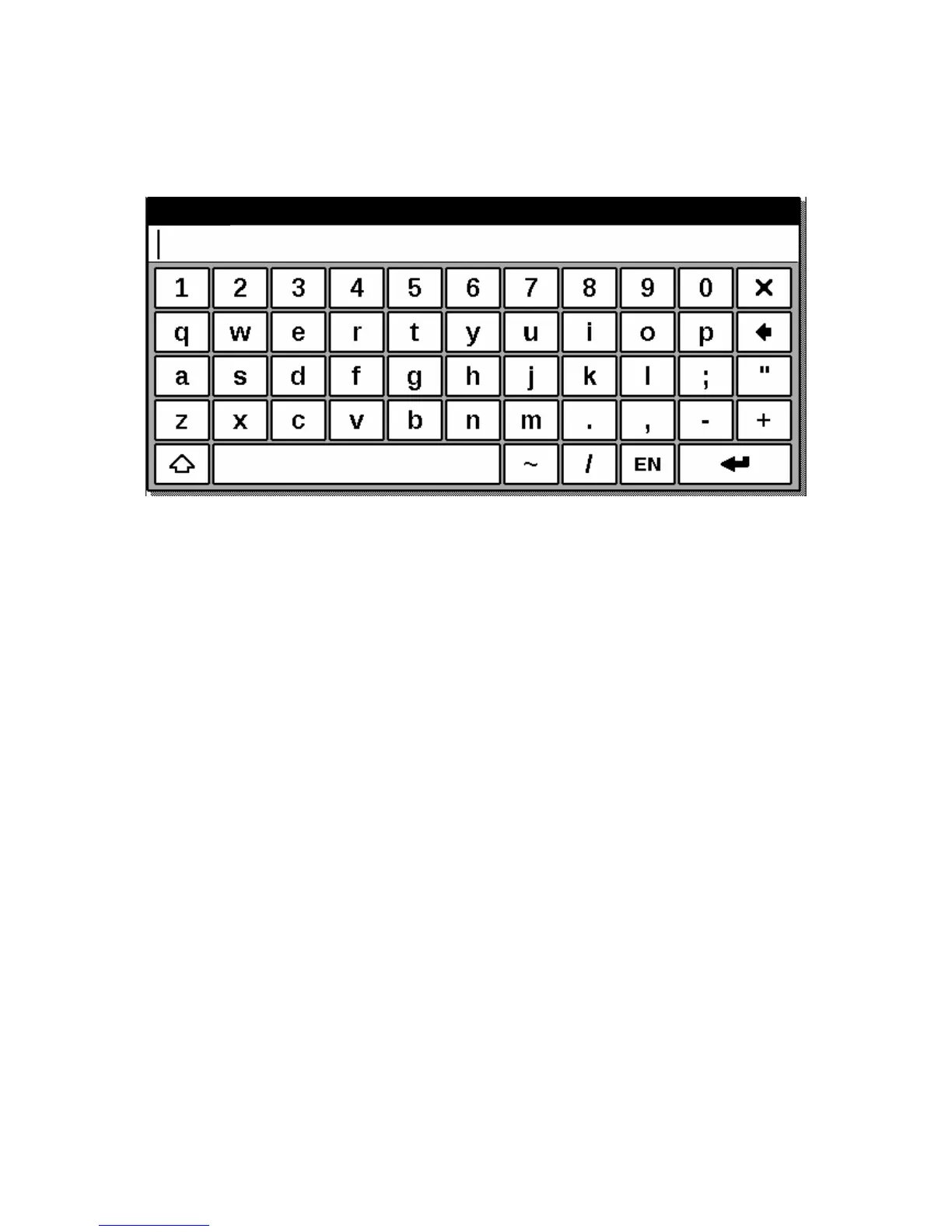
ORK WITH KEYBOARD
Switch the keyboard language between Russian, Ukrainian or English language using the
buttons “RU”, “UA” and “ENG”, located in the bottom of the screen.
MAIN MENU
This screen appears when you switch on the device.
To get here from other sections or modes use the "Back" button on the front panel of the
device, or sequentially press the button "Back" on the screen with your stylus. In some
applications you have to use the exit buttons and commands supported by a certain application.
For example, to exit from the Dictionary ABBYY Lingvo, which is located in the section
"Applications", you should to click the Х button on screen keyboard.
From the main page you can:
get back to reading the books you recently opened. To do so, touch with stylus the title
of one of 2 books in the top of the screen [1]
go to any thematic section. For example - books, news, favourite books, pictures, music,
programs, notes, calendar and settings. To do so, touch with stylus the square area of
desired section [2]
see the day of the week, date, time and battery status [3]















 To Next Page