PocketBook 302 User Manual
18
USER REGISTRATION IN LIBRARY
Note: This feature is available unless the user specifies access parameters (username and
password) in the settings.
To register in an electronic library BookLand:
1. Open "Books" section, to do this click the button Books in main menu.
2. Tap with stylus the line BookLand, it stands the first in the list.
3. Click with stylus the central button Register in the bottom of the screen.
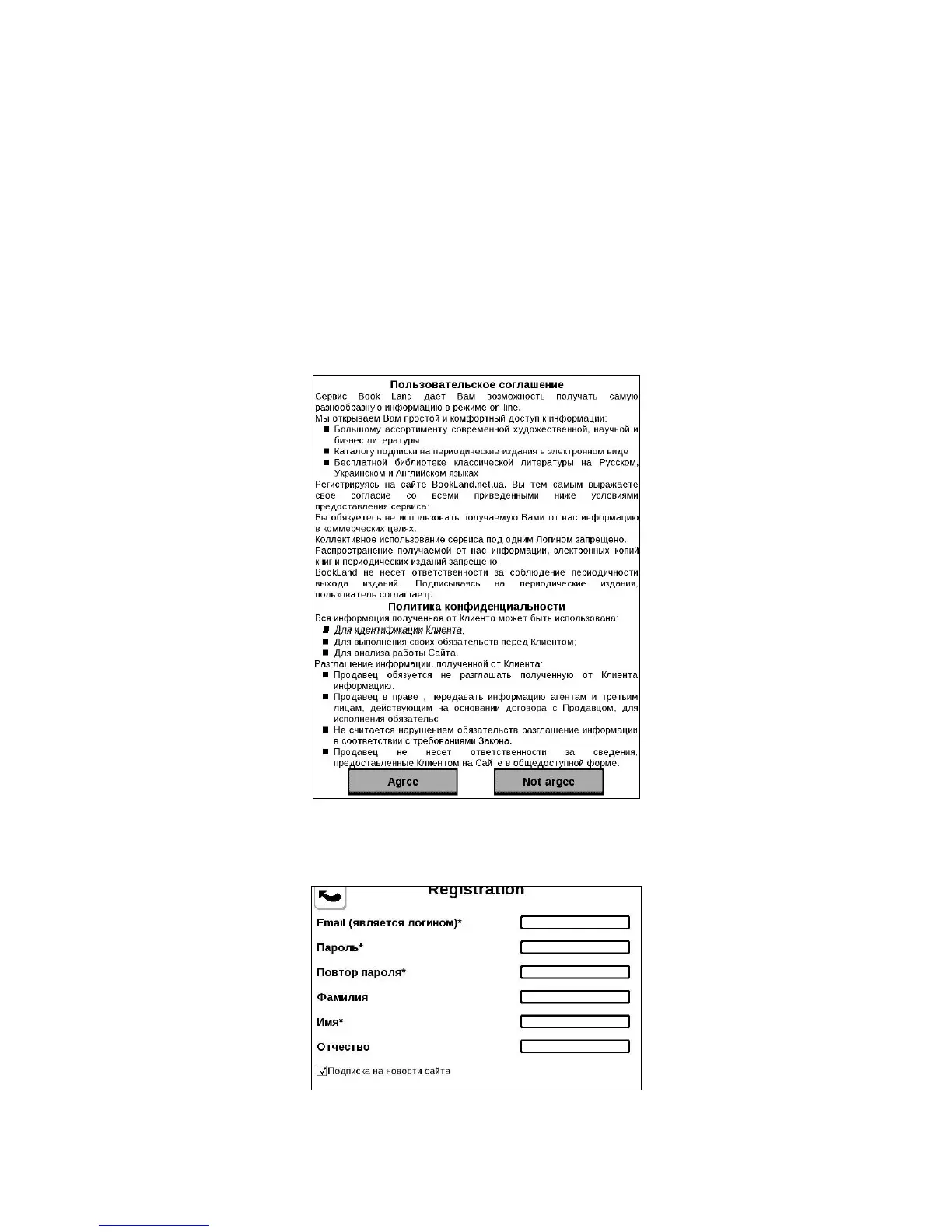
4. A User Agreement window opens (Figure 7). You must read and accept it to continue
registration. Tap with stylus on the bottom Agree to continue registration.
Figure 8. User Agreement
5. A dialog window "Registration" will open.
Figure 9. Library User Registration















 To Next Page