PocketBook 302 User Manual
7
R
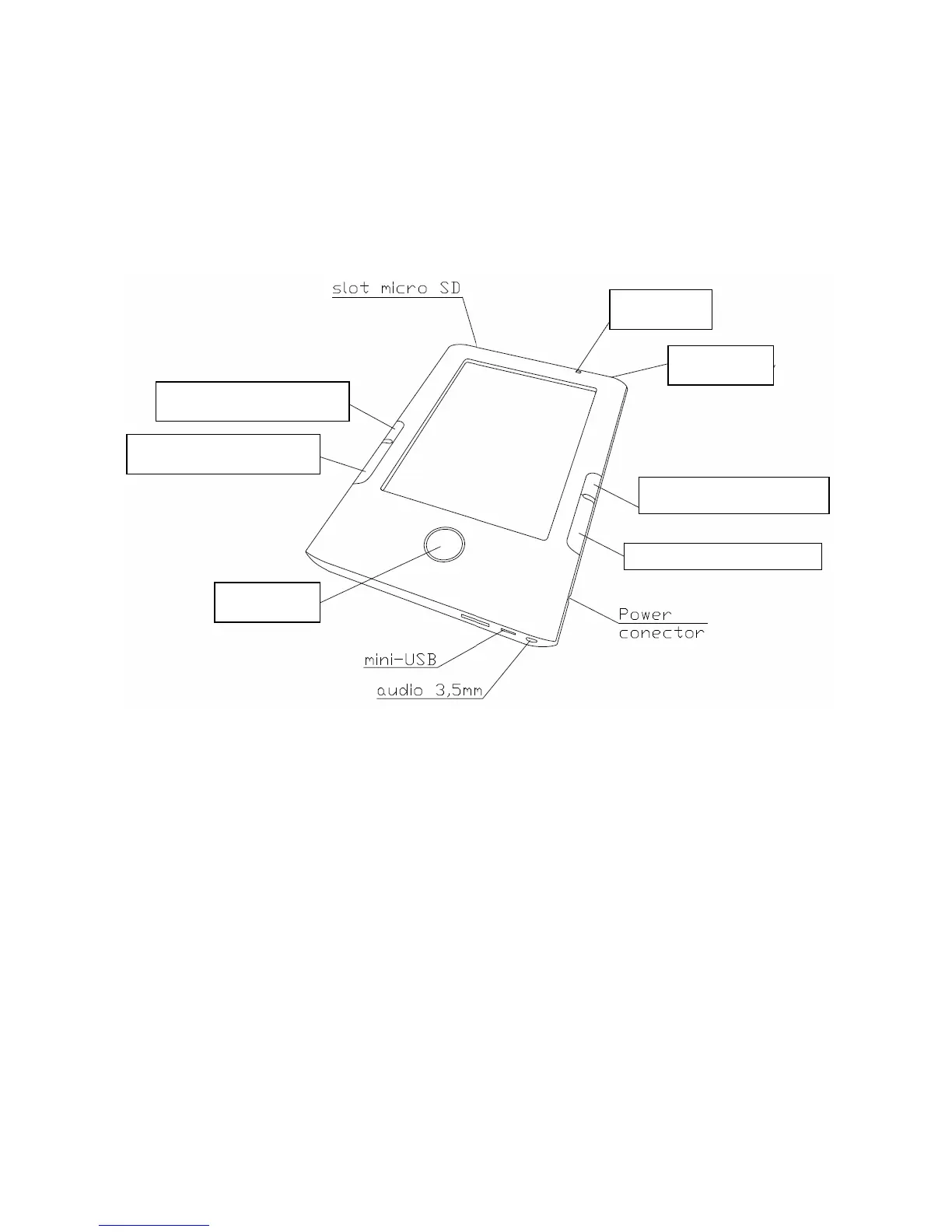
EVIEW AND ARRANGEMENT OF POCKETBOOK 302
Figure shows main buttons and slots of the device POCKETBOOK 302.
Figure 1. Review of POCKETBOOK 302
POWER SUPPLY
Press and hold the button "Power" to switch the device on/off.
Short press the "Power" button can be assigned to perform certain functions of the device. The
assigned action by default is "Take a screenshot".
POWER INDICATOR
The indicator colour changes depending on current state of the device:
o Green light indicates that the device is active and performs some operation (for
example, it downloads books, plays music or sets the connection).
o Red or orange light signals the device charging.
o The indicator becomes green or goes down, if the device is fully charged.
Indicator
Power
Reset
Scrolling 3
Scrolling 4
Scrolling 1















 To Next Page