PocketBook 302 User Manual
16
To remove folder or file:
1. Tap the name of the desired file or folder and hold until a pop-up menu appears. Select
the item Remove
.
2. Confirm the decision to remove. To do this, touch the button Yes
in appeared dialog
window "Remove".
BOOKS IN READING MODE
To open a book in reading mode, tap with stylus on its' title. Books in list are marked with the
symbol
. For detailed information about Reading mode see the pageon page 21.
SYMBOLS
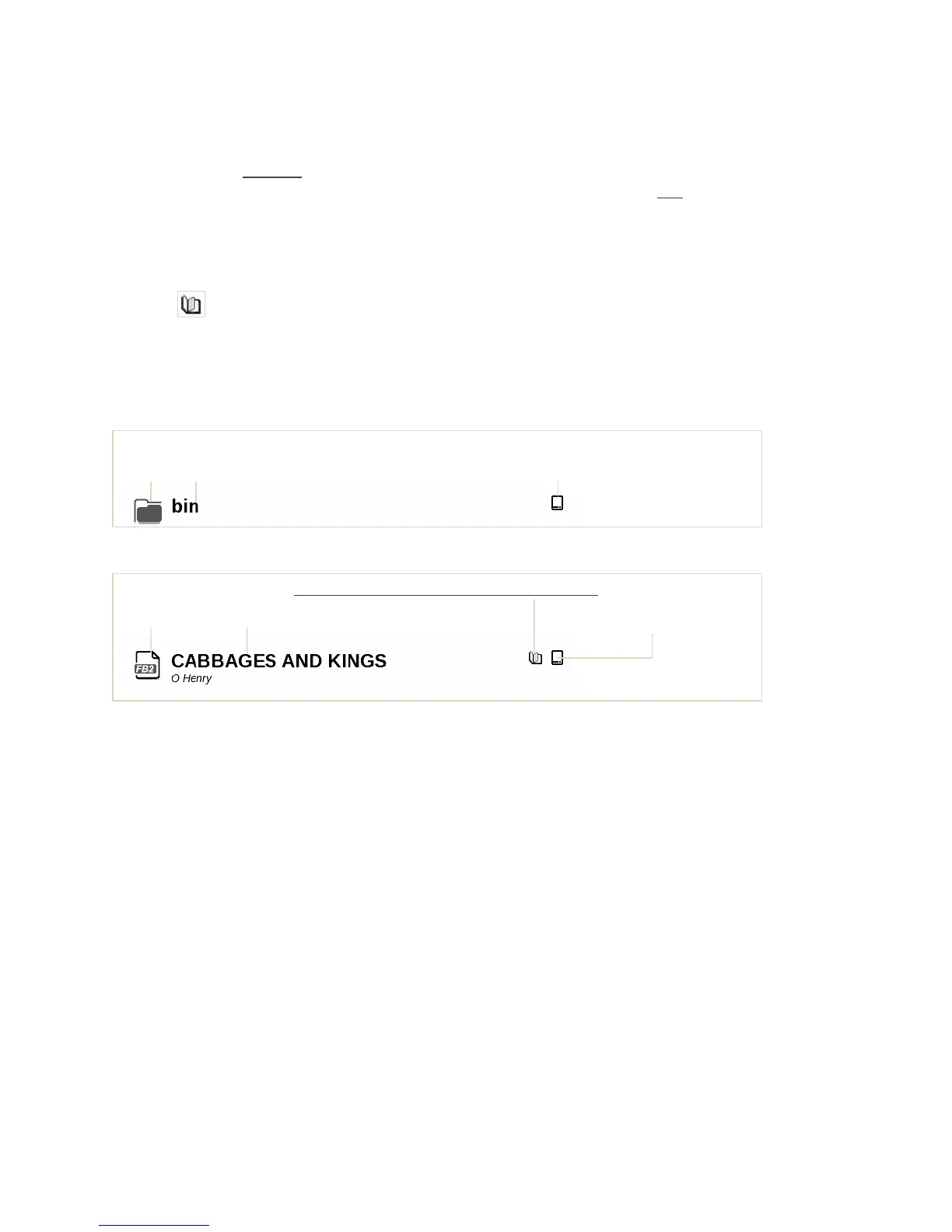
Figures 5 and 6 show the main symbols used in the list of files and folders.
Figure 5. Folder
Figure 6. Book
POP-UP MENU
Tap and hold for a few seconds the stylus on the desired object, in a couple of seconds a pop-up
menu appears. In the Books section there are available the following commands:
Open
Information
Mark as read
Add to Favourites
File:
o Re-name
o Move to folder
o Copy to SD-card
o Move to SD-card
o Remove
Mark the group
Appearance:
o List,
o Sketches,
o Detailed,
o Screen orientation
Folder location
Folder Folder name (internal memory/ additional memory).
The book is in read-only mode accessible Folder location
Book title (internal memory/
Format
Author additional memory).















 To Next Page