PocketBook 302 User Manual
23
PAGE SCROLLING
To go one page forward or backward, drag the stylus along the bottom of the screen in
necessary direction.
FONT SIZE SWITCH
While reading you can switch between 5 font sizes available for books text. To do so, drag the
stylus along the right edge of the screen.
More precise font configuration can be done in section “Settings” of Quick access menu.
Note: For books in format DJVU change the font size is not available. Instead, you can use
“Zoom” in Quick access menu. For PDF format the font size can be changed only in mode
“Reflow”.
JUMP ON LINKS IN BOOK
Some books formats allow you to quickly jump on links within a book. To follow a link, tap and
hold the stylus on appropriate link.
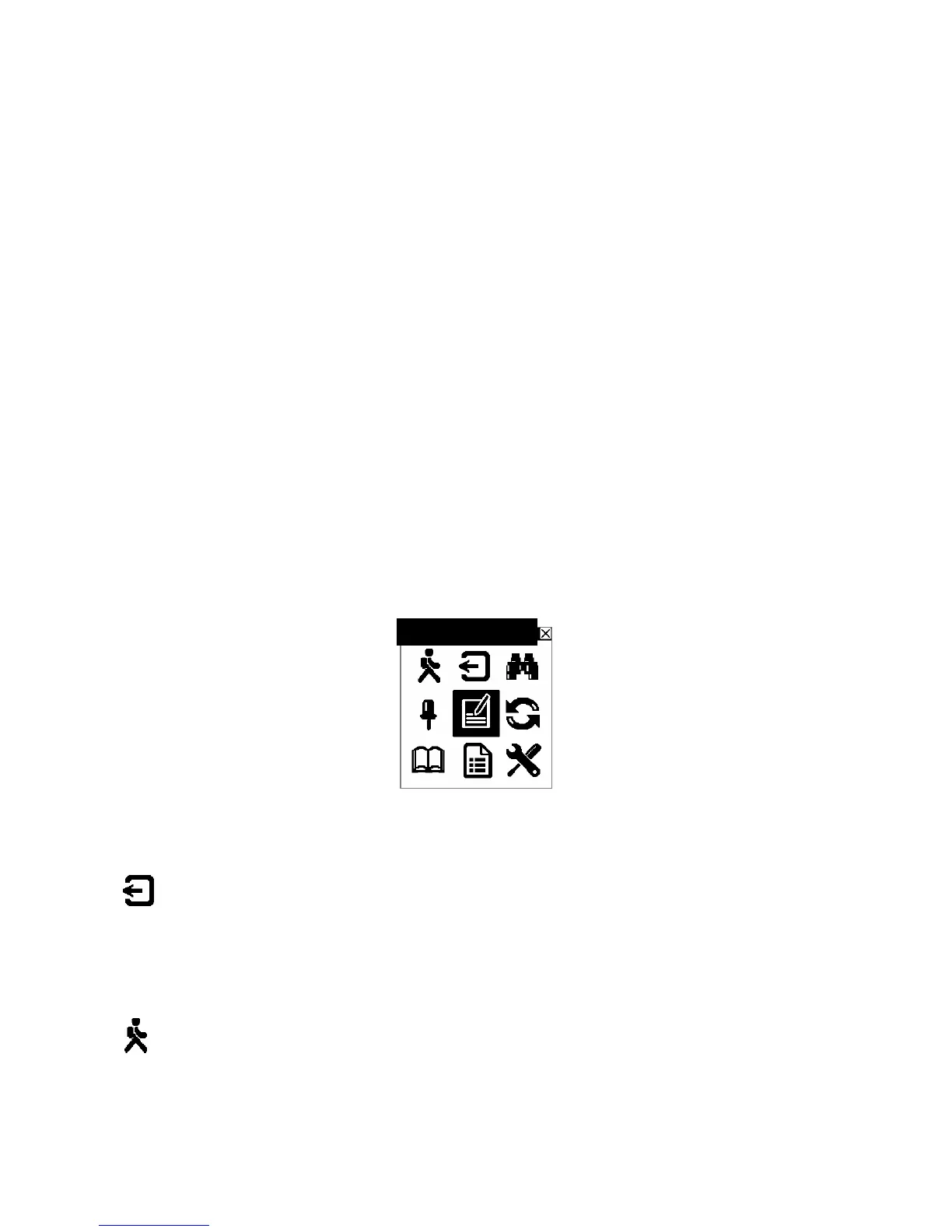
QUICK ACCESS MENU
To open Quick access menu tap with stylus in the centre of screen in reading mode.
Figure 12. Quick Access Menu
Below there are actions in this menu:
EXIT FROM THE BOOK
To exit the "Reading" mode and close a book, tap with stylus on button Exit the Book in Quick
access menu.
OPEN PAGE
To open a certain book page perform the following:
Add a note















 To Next Page