PM451 Android 9.0 User Manual
12
© 2024 Point Mobile Co., Ltd. All rights reserved
Getting Started
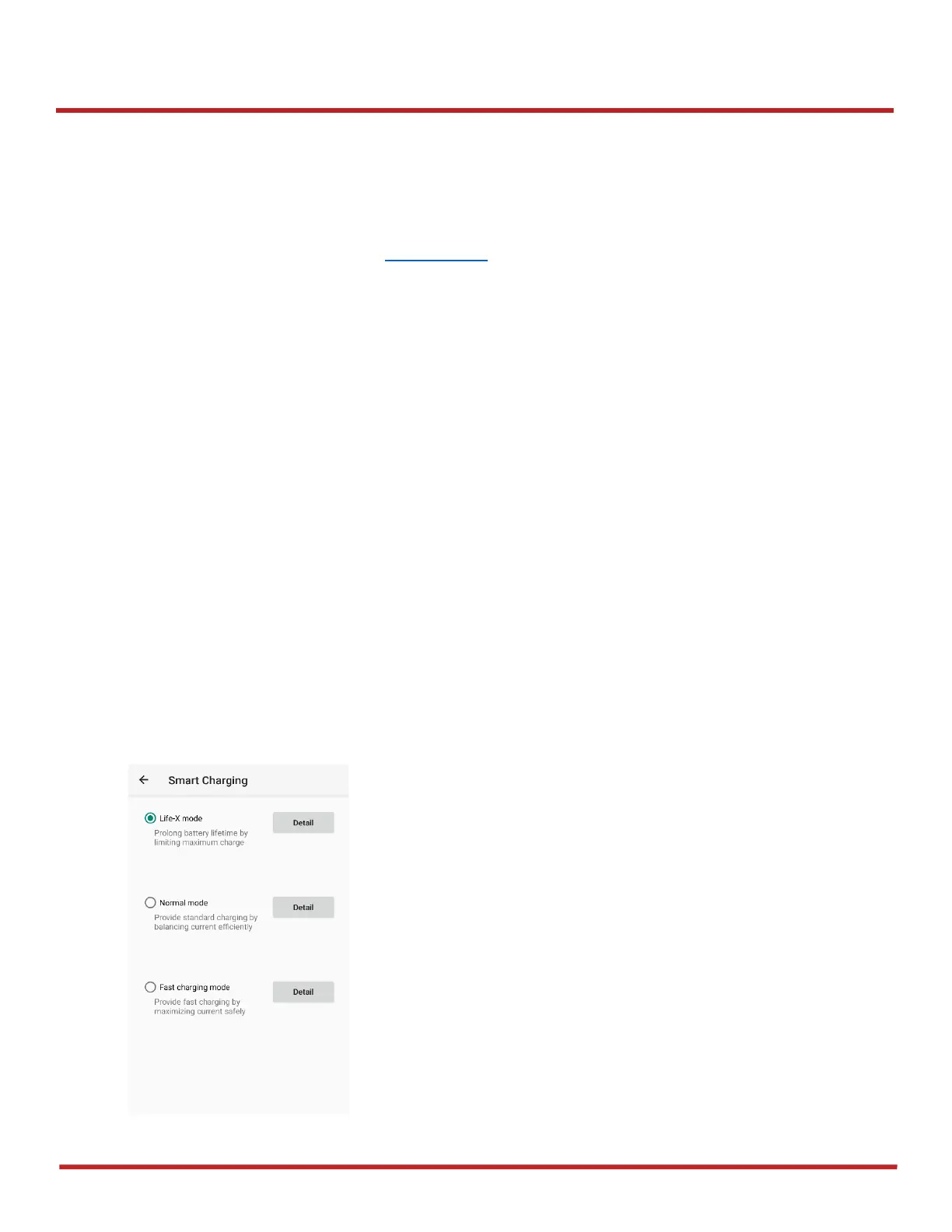
Smart Charging
PM451 supports three charging modes to provide optimal battery performance for your work. Each
mode controls the charging current or the maximum charging level to meet the needs.
When the device is charged to the maximum charging level, the device turns to a fully charged state
(Power LED lights green. Refer to LED indicator).
Life-X mode
- Limits the maximum charging level to extend the battery lifetime.
- Maximum charging level: below 100%
Normal mode (Default)
- Standard charging mode.
- Maximum charging level: around 100%
Fast charging mode
- Charges the device faster than the other modes by maximizing the current safely.
- Maximum charging level: around 100%
To change the smart charging mode, go to
Settings
>
Battery
or
EmKit
>
EmSettings
, and select
Smart Charging
. Find detail information of each mode in
Detail
.



 To Next Page