EasyManua.ls Logo

Point Mobile PM451 - Notification Icons; Notification Panel

Point Mobile PM451
71 pages
Print Icon
To Next Page IconTo Next Page
To Previous Page IconTo Previous Page
Loading...
PM451 Android 9.0 User Manual
21
© 2024 Point Mobile Co., Ltd. All rights reserved
Learning the basics
Notification Icons
Icon
Description
Icon
Description
New Email
Connected to VPN network
Upcoming event
Screenshot captured
App update available
App updated
Preparing SD card
SD card removed, unexpectedly
OTG device connected
Other input method available
File uploaded
File downloaded
File copied
There are more notifications
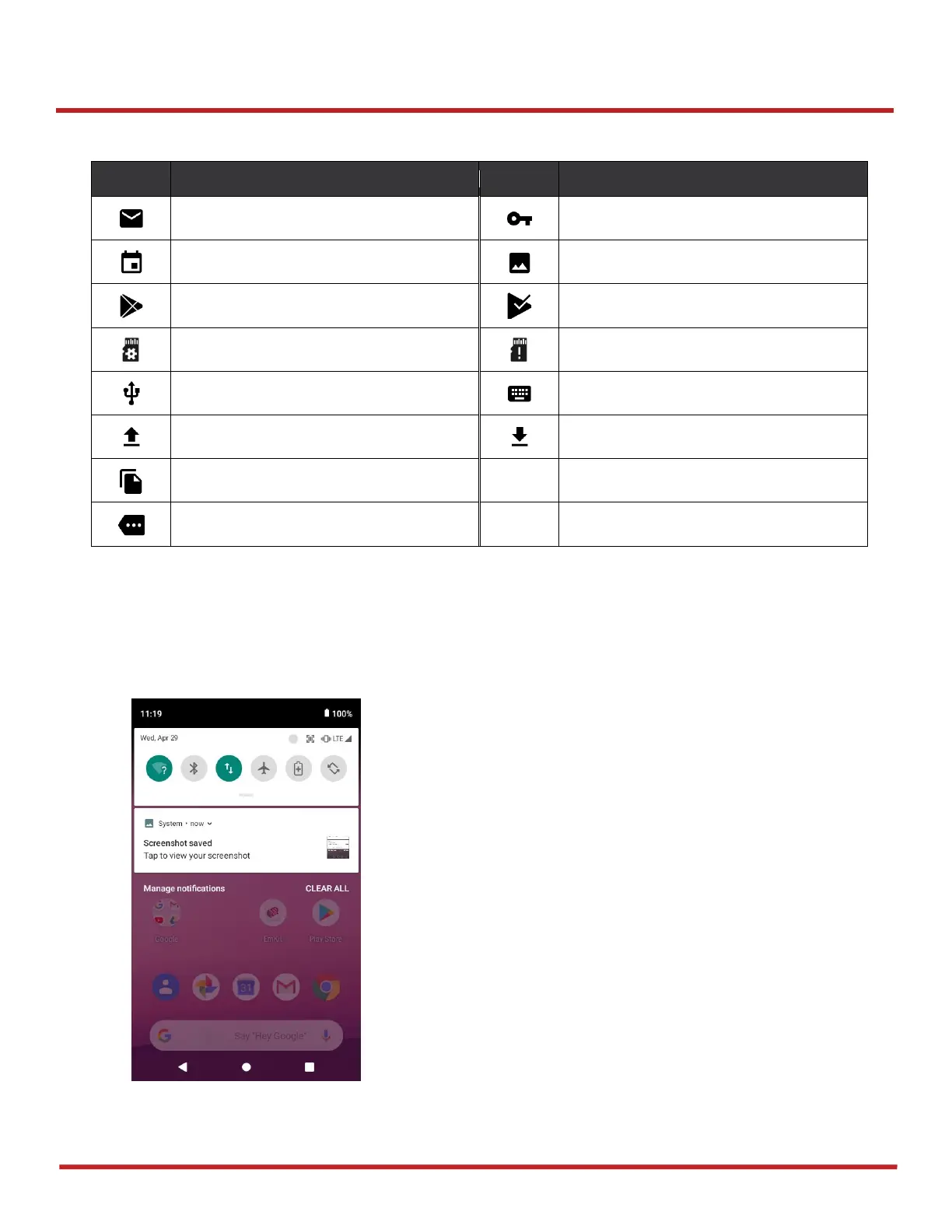
Notification Panel
Notification panel displays a list of all notifications. You can respond to a notification by tapping it. To
open the Notification panel, drag the Status bar down. If you want to close the panel, swipe it up.
Figure 17 Notification panel

Related product manuals