PM451 Android 9.0 User Manual
35
© 2024 Point Mobile Co., Ltd. All rights reserved
Scanner
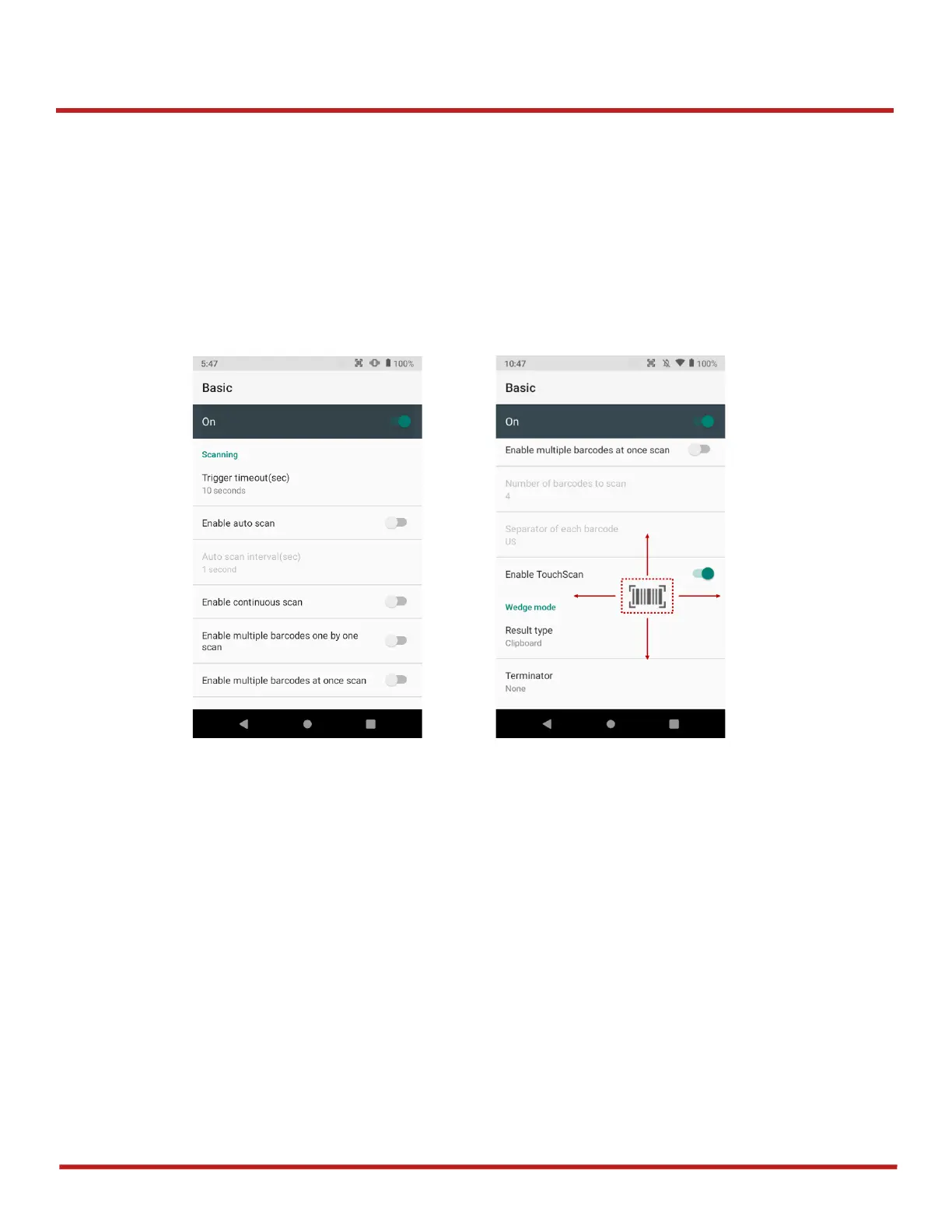
Basic
In
Basic
, you can set the
Scanning
option and
Wedge mode
option.
1. Scanning
- You can change the scanner's
trigger timeout
and set
Auto scan
&
continuous scan
.
- You can use
TouchScan,
which is a software scanner button. Place a scan icon in any
position and tap the icon to read a barcode.
2. Wedge mode
- You can change decoded scan data's
result type
handling 'User Message', 'Keyboard
Event', 'Clipboard', or 'Intent Broadcast'. Also, you can set
Terminator
as ‘None’, ‘Space’,
‘Tab’, ‘LF’, ‘Tap & LF’.



 To Next Page