PM451 Android 9.0 User Manual
40
© 2024 Point Mobile Co., Ltd. All rights reserved
Scanner
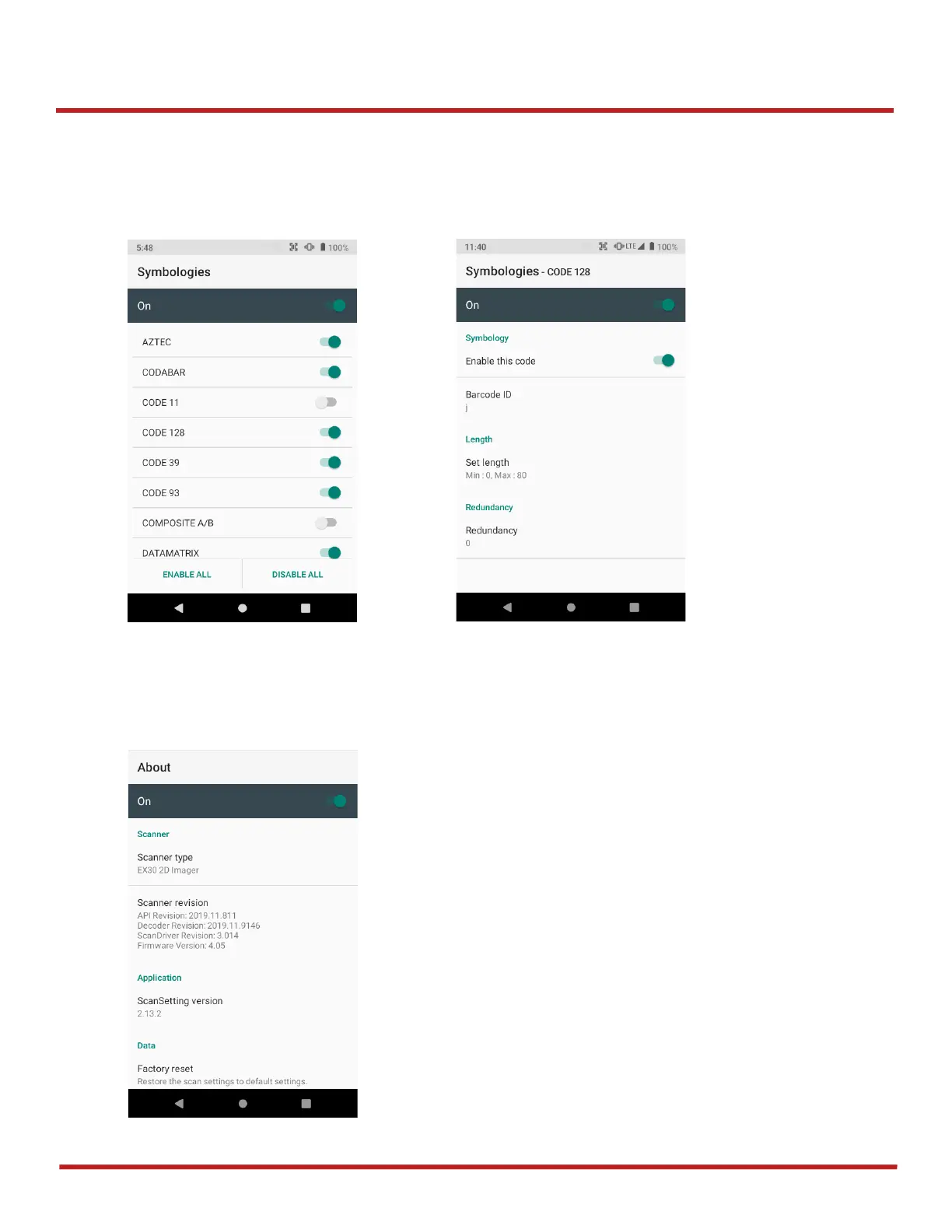
Symbologies
In
Symbologies
, you can enable/disable specific barcode type or set a detail option. By tapping each
symbology name, you can set detail option.
About
In
About
, you can find your Scanner's information and restore Scanner's settings to default.



 To Next Page