PM451 Android 9.0 User Manual
54
© 2024 Point Mobile Co., Ltd. All rights reserved
Gun Handle
Ergonomically designed gun handle is an optional accessory for PM451. You can grip the device
comfortably, and scan a barcode with an easy-to-reach scan button.
Attach Gun Handle
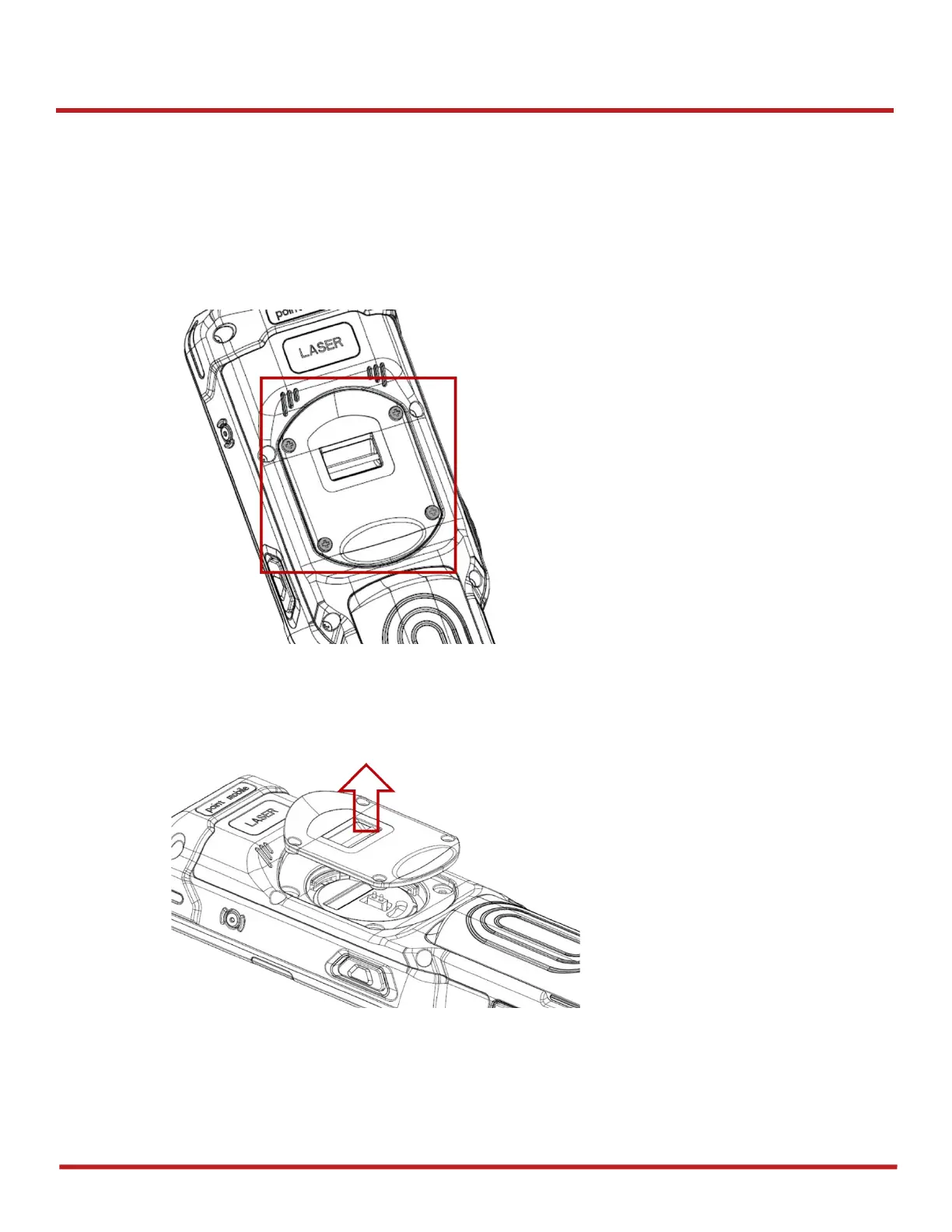
1. Using a screwdriver, remove the four latch screws on the backside of PM451
2. After remove the screws, open the gun handle connector cap



 To Next Page