PM451 Android 9.0 User Manual
45
© 2024 Point Mobile Co., Ltd. All rights reserved
Wireless
Bluetooth
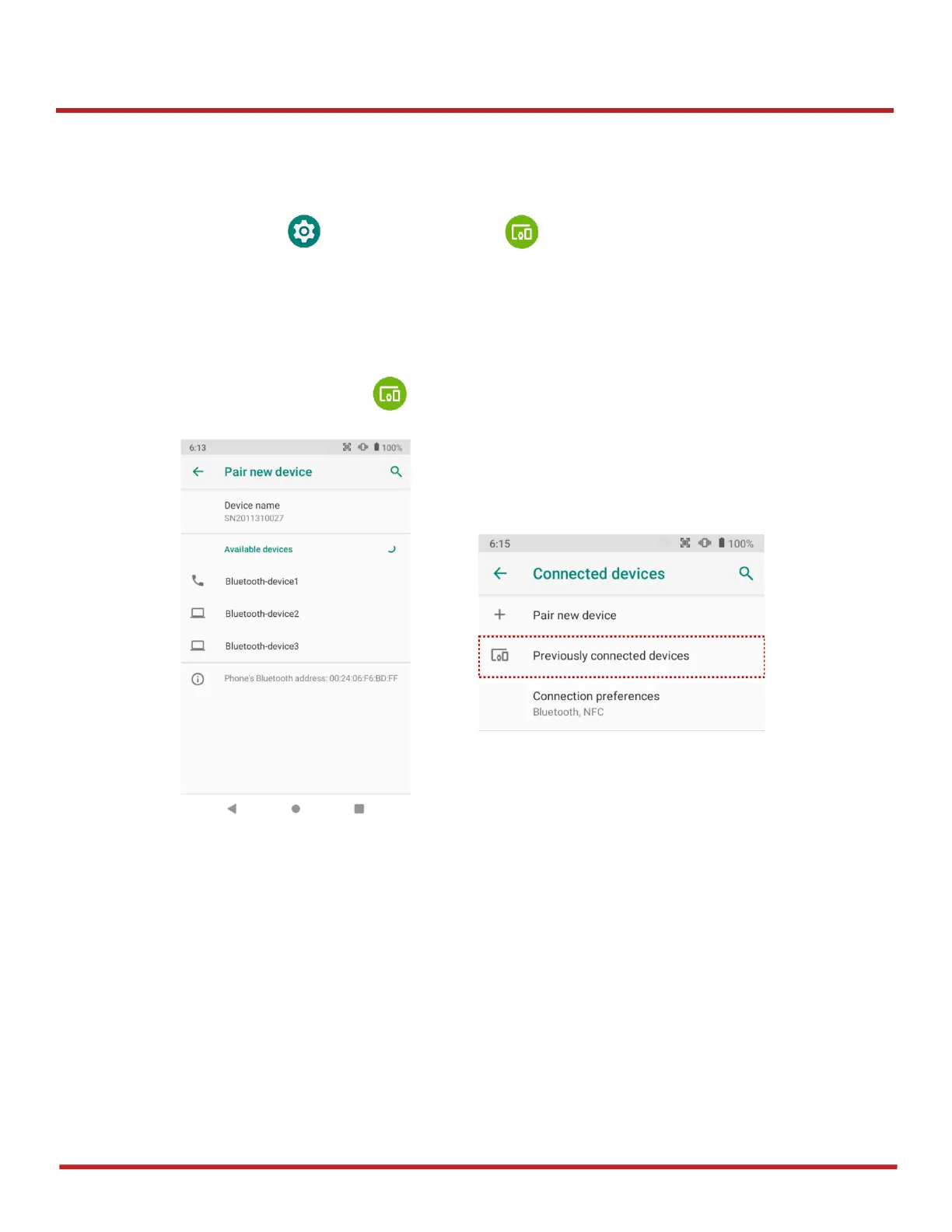
If you want to pair with a new device,
1. Go to
Settings
>
Connected devices
2. Tap
Pair new device
3. Select the desired device in
Available devices
4. Check the pairing code in the dialog, tap
PAIR
If you have the previously connected devices, the menu name as
Previously connected devices
will
show up in
Connected devices
(
Figure 59
)



 To Next Page